

The first RescueTime weekly report tends to land like a punch. You thought you spent a few minutes on YouTube. The chart says four hours. You make a mental note to do better, feel oddly productive for having noticed, and then next week’s report looks almost the same.
That pattern isn’t a personal failing. A 2021 consumer research study, published in the Journal of the Association for Consumer Research, found that screen-time tracking made people more aware of their habits but was less likely to actually reduce their usage. People also preferred tracking over blocking, even while rating it as less effective.
So this RescueTime review asks a narrower question than most. RescueTime is an excellent tracker. But is tracking what you actually need? Below, we cover what it does well, where the line between tracking and blocking sits, what it costs in 2026, and which RescueTime alternatives make more sense if a report isn’t enough.
Quick Takeaways
- RescueTime automatically tracks the apps, websites, and documents you use, then scores your day for productivity.
- It’s a tracker first. Blocking only happens inside paid Focus Sessions that you choose to start.
- Research suggests tracking raises awareness but rarely cuts usage on its own.
- Paid plans start at $7 a month billed annually. The free Lite plan keeps only two weeks of history and has no Focus Sessions.
- If you already know where your time goes, a blocker or a friction tool will likely help more.
What Is RescueTime?
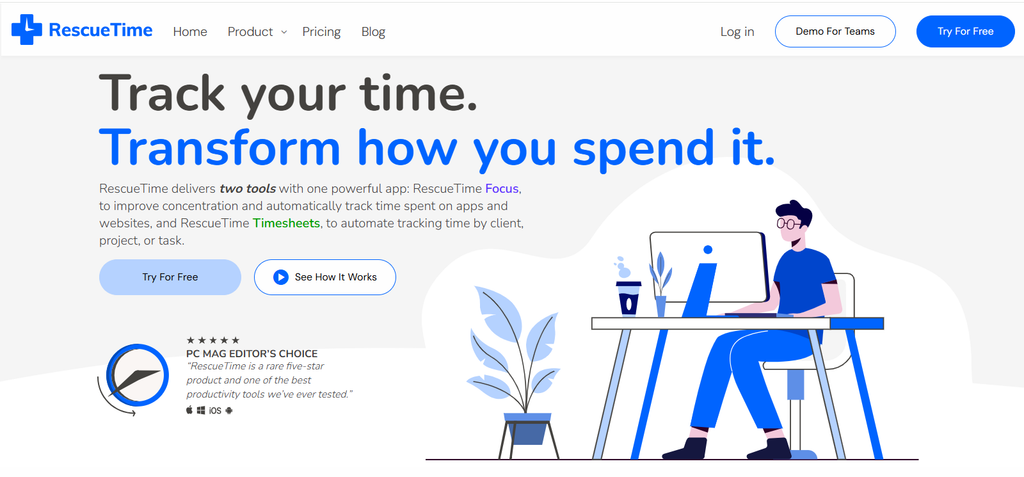
RescueTime is an automatic time tracker for your computer and phone. You install it, and it runs quietly in the background, logging which apps, websites, and documents you use and for how long. You never press start or stop.
Each activity gets sorted into a productivity level, from very productive to very distracting. RescueTime then rolls your day into a score it calls the Productivity Pulse and shows the breakdown in daily and weekly reports. You can adjust the categories, which matters, because the defaults won’t match every job.
On paid plans, RescueTime goes further. According to its plan comparison page, Solo Focus and Solo+ track window titles and document names, not just app names, so you can see which email or file ate your afternoon. Paid plans also add goals, alerts, offline time logging, and Focus Sessions.
Tracking vs Blocking: The Difference That Matters
Here’s the distinction most reviews skip, stated plainly.
A tracker tells you what happened. A blocker changes what can happen.
RescueTime is a tracker by default. It watches, records, and reports. Nothing stops you from opening Reddit for the ninth time. You only find out about it later, in a chart.
Blocking in RescueTime exists, but only inside a Focus Session. On its Solo Focus feature page, RescueTime explains that during a session it blocks any app or website you’ve marked as Personal or Distracting and can silence notifications too. With the mobile apps, that blocking can extend to your phone.
That’s useful, but notice the conditions. Focus Sessions are paid-only. You have to start one or schedule it in advance. Outside those sessions, RescueTime goes back to being a very detailed mirror.
This matters because the two tools solve different problems. If you don’t know where your time goes, a tracker is the right first step. If you already know and still can’t stop, a better report won’t fix it.
Why Tracking Alone Rarely Changes Behavior
Knowing is not the same as doing, and that isn’t just a slogan. It’s what the research keeps finding.
The 2021 consumer research study mentioned above ran a longitudinal field study and an online experiment. Tracking improved what the researchers called digital self-awareness. It didn’t reliably reduce how much people used their phones. People who were most dependent on their phones were the most likely to prefer gentle tracking over stricter tools.
A 2025 randomized trial in Computers in Human Behavior made the same point from another angle. The authors noted that monitoring and restriction alone rarely lead to real cuts in screen time. They recommended pairing them with planning, goals, and feedback.
What does work better? Commitment and friction. In an economics field experiment published in the European Economic Review, people encouraged to set Screen Time app limits significantly cut their phone and Facebook use over six weeks. The same study found people used their phones more than they predicted, and more than they said they wanted to.
We’ve written about this gap before, in our piece on tracking time but staying distracted. The short version is that data answers “where did the time go?” It doesn’t answer “why did I reach for it?” That second question is where lasting change starts, and it’s the one ComfortZoneCheckin is built to help you ask.
So the fair verdict on RescueTime’s core feature is this: it’s the start of the process, not the end of it.
What RescueTime Does Well
To be clear, RescueTime is good at its job. It has held up for well over a decade, and it still earns strong ratings, including 4.6 out of 5 from 141 reviews on Capterra.
- It’s truly automatic. There’s no timer to forget. That makes the data honest in a way manual trackers rarely are.
- The detail is excellent on paid plans. Seeing document names and window titles turns vague guilt into specific insight.
- It works across devices. Desktop, browser, and mobile data flow into one set of reports.
- Goals and alerts add a light nudge. You can set a target, such as four hours of productive time, and get alerted when you slip.
- Focus Sessions are solid when you use them. They block distracting sites and apps, silence notifications, and can even play focus music from Spotify or YouTube.
- Browser support is wide. It covers Chrome, Firefox, Edge, Safari, Arc, and Brave.
For freelancers, the Solo+ plan adds Timesheets, which turns tracked activity into project and client time. That’s a real reason to pay if you bill by the hour.
Where RescueTime Falls Short
- Blocking is opt-in and session-based. If you don’t start a Focus Session, nothing is blocked. On a bad day, that’s exactly when you won’t start one.
- The free plan is thin. Lite keeps only two weeks of history, allows one goal, and has no Focus Sessions, alerts, or iOS app.
- Setup takes effort. Your categories need tuning before the productivity score means much. A writer who researches on YouTube will look “distracted” until they fix it.
- Teams can’t enforce blocks. RescueTime’s team page confirms that managers can’t block sites across a team. Each person runs their own sessions.
- It collects a lot of detail. Tracking document names is useful, but some people won’t be comfortable with that level of logging. Check the privacy settings before you install it on a work laptop.
- Refunds are limited. RescueTime says it doesn’t usually offer prorated refunds, so use the free trial fully before paying.
None of these are dealbreakers for the right user. But they add up to the same point: RescueTime tells you a lot and asks very little of you.
How to Make RescueTime Actually Change Your Habits
If you keep RescueTime, pair the data with something that acts on it. Three habits make the biggest difference.
Turn your worst hour into a scheduled Focus Session
Look at your weekly report and find the time of day when distracting time spikes. Then schedule a recurring Focus Session for that window, so blocking starts without you having to decide in the moment.
Set one goal, not five
Pick the single category that costs you the most, such as social media or news, and set a daily cap with an alert. One clear limit is easier to respect than a dashboard full of targets.
Review the report with a question, not a verdict
When a distracting spike shows up, ask what you were avoiding or feeling right before it started. That turns the chart from a scorecard into a clue, which is the part tracking alone can’t do for you.
RescueTime Pricing in 2026
RescueTime reworked its plans in late 2025. Many price aggregator sites still list old tiers, so here are the current numbers from the official pricing page.
| Plan | Best for | Billed annually | Billed monthly | Blocking included? |
| Lite | Trying it out | Free | Free | No |
| Solo (Focus) | Individuals | 7/month(84/year) | $9/month | Yes, in Focus Sessions |
| Solo+ | Freelancers who bill time | 12/month(144/year) | $15/month | Yes, plus Timesheets |
| Team (Focus) | Teams | 10/user/month(120/year) | $12/user/month | Yes, per person |
| Team+ | Teams tracking projects | 16/user/month(192/year) | $18/user/month | Yes, plus Timesheets |
Every paid plan comes with a 14-day free trial, and you aren’t charged until it ends. If you cancel later, your account drops back to the free Lite plan at the end of the billing cycle.
The value question is simple. If you’ll use Focus Sessions or Time sheets, the paid plans are fairly priced. If you only want the weekly report, Lite or your phone’s built-in tools may be enough.
RescueTime Alternatives
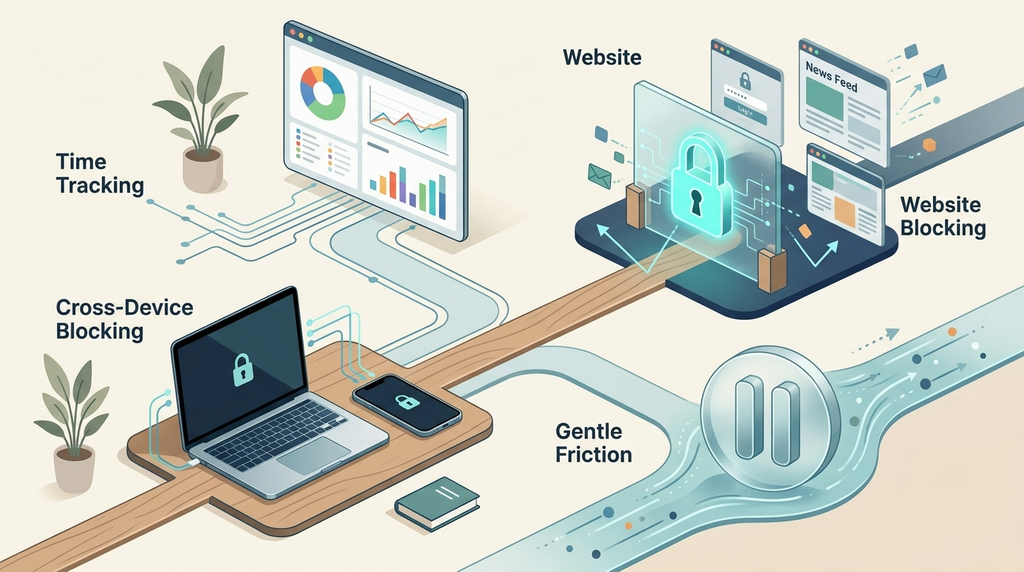
The best RescueTime alternatives depend on what you’re missing. If you want better tracking, look at other trackers. If you want to actually stop, look at blockers or friction tools.
| Alternative | Type | Price (US) | Best for |
| Apple Screen Time / Android Digital Wellbeing | Built-in tracker + limits | Free | Phone-only tracking with basic limits |
| Rize | Automatic tracker | Paid; teams $29.99/seat/month (annual) | Richer session and break detection |
| Freedom | Blocker | $39.99/year or $199 lifetime | Blocking across phone and computer |
| one sec | Friction tool | Check current pricing | Adding a pause before distracting apps |
Apple Screen Time and Android Digital Wellbeing
If most of your distraction lives on your phone, start here. Both are free, both track usage, and both let you set app limits. That last part matters, because the European Economic Review study found that simply adopting Screen Time limits cut usage. The limits are easy to skip, but they’re a real step beyond tracking.
Rize
Rize is the closest direct swap. It tracks automatically, like RescueTime, and adds automatic session detection, so it can tell deep work from meetings and breaks. It’s a better tracker for some people. It’s still a tracker.
Freedom
Freedom is a blocker first. You schedule sessions that block apps and sites across your phone and computer at the same time, and Locked Mode makes them harder to end early. Its US App Store listing shows $39.99 a year or a $199 lifetime option.
One sec
One sec takes a different approach. Instead of blocking, it adds a short pause and a prompt before a chosen app opens. In a 2023 PNAS study, users closed the app in 36% of attempts after the pause, and tried to open those apps 37% less often over six weeks. It’s a good fit if hard blocks feel too harsh.
For a wider list, including options built around awareness rather than restriction, see our guide to the best digital wellbeing apps.
Who Should Use RescueTime
RescueTime is a strong pick if you:
- Genuinely don’t know where your workday goes.
- Bill clients by the hour and want automatic Timesheets.
- Will actually start Focus Sessions on a schedule.
- Like data and respond well to weekly reviews.
Look at an alternative if you:
- Already know your biggest distraction by name.
- Rarely start sessions on your own.
- Mostly lose time on your phone rather than your computer.
- Have tried tracking before and nothing changed.
The Verdict
RescueTime is still one of the best automatic trackers you can buy in 2026. The data is detailed, honest, and often eye-opening. Focus Sessions are a solid add-on, and Solo+ is genuinely useful for freelancers.
But tracking is not blocking, and awareness is not change. The research is fairly consistent that knowing your numbers helps you notice the problem without reliably fixing it. If a weekly report is what you’re missing, RescueTime is worth it. If you’re already staring at the same chart every week, it’s time for a tool that steps in before you open the app, not after.
Frequently Asked Questions
Yes, there’s a free plan called Lite. It tracks apps and websites automatically and gives you weekly summaries, but it keeps only two weeks of history and doesn’t include Focus Sessions, alerts, or the iOS app. Paid plans start at $7 a month when billed yearly.
Only during Focus Sessions, which are available on paid plans. During a session, it blocks any app or website you’ve labeled as Personal or Distracting. Outside a session, RescueTime tracks your activity but doesn’t block anything.
It’s worth it if you need clear data on your workday or automatic Timesheets for client work. It’s less useful if you already know what distracts you, because tracking on its own rarely changes behavior. In that case, a blocker or friction tool is often the better spend.
It depends on the gap. For deeper automatic tracking, Rize is the closest match. For blocking across devices, Freedom is a common choice. For a gentler nudge before distracting apps, one sec adds a pause that research shows can cut app opens.