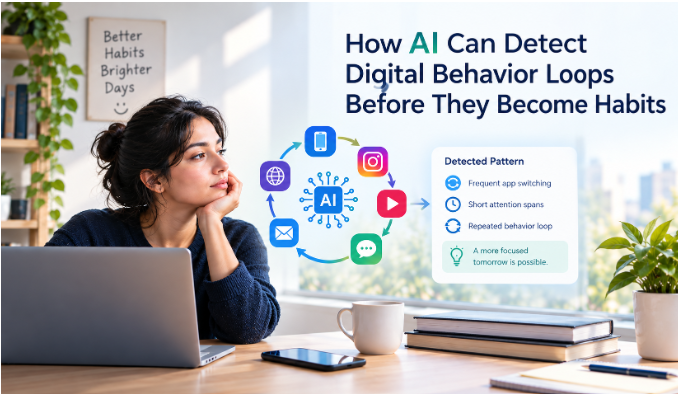

If you’ve searched for a digital wellbeing app, there’s a decent chance you already have one and don’t realize it. Android phones ship with a built-in Digital Wellbeing feature. iPhones have Screen Time. Both live quietly in your Settings menu, tracking pickups and letting you set basic app limits. They’re a fine starting point. But most people outgrow them fast. Limits are easy to override with a four-digit passcode, the stats are basic, and there’s no real friction stopping you from tapping “ignore limit” the moment you feel the urge.
The bigger issue is that these built-in tools treat every kind of overuse the same way: as a willpower problem to be managed with a timer. But phone habits don’t all work the same way. Some people check compulsively without noticing, on autopilot. Others know exactly what they’re doing and just don’t have anything stopping them. Some respond better to a friend keeping them honest than to any software at all. A single built-in timer can’t tell the difference, and neither can most third-party apps that only offer one type of intervention.
That’s where third-party apps come in. Some add friction before you can open a distracting app. Some go further and require a physical action. Some bring in social accountability. Some bring in social accountability. Students can also combine these digital wellbeing apps with AI tools for studyingto organize their coursework, summarize study materials, and make revision sessions more productive without getting sidetracked by social media. We compared eight of the most-used options across these different approaches, so you can find the one that actually matches how you get distracted, rather than how you wish you got distracted, with insights from an AI development company like Xicom.
Quick Comparison
| App | Platforms | Price | Approach |
| ScreenZen | iOS, Android | Free | Progressive friction/delay |
| One Sec | iOS, Android, browser | Free (1 app) / ~$15-20/year Pro | Mindful friction/pause |
| Clearspace | iOS | Free (1 app) / $49.99/year | Friction + social accountability |
| AppBlock | Android primary, iOS limited | Free tier / $4.99/month, $29.99/year, or $89.99 lifetime | Location-aware blocking |
| BlockSite | Chrome, Safari, Edge, Android, iOS | Free (limited) / ~$39.99 lifetime | Cross-platform website/app blocking |
| Opal | iOS, Mac (limited Android) | Free (limited) / $99.99/year | Gamified + hard lock |
| Unpluq | Android primary, iOS limited | $26.50 tag one-time + ~$64/year subscription | Physical NFC-tag friction |
| Flipd | iOS, Android | Free / $29.99/year | Social/study accountability |
How hard to bypass rates each app’s strictest documented mode. It’s a guide, not a guarantee, since no blocker is impossible to get around.
Android vs iOS: Which Apps Work Best on Each
“Digital Wellbeing” is Google’s name for the built-in tools on Android: app timers, Focus mode and Bedtime mode. The iPhone equivalent is Screen Time, which offers Downtime and App Limits. Both are a good starting point, but they are easy to override, which is why many users turn to third-party solutions developed by a Custom Mobile App Development Company to access more advanced features and personalized digital wellbeing experiences.
On Android: all eight apps work, and AppBlock and Unpluq are strongest here because Android gives apps the permissions they need to block others. ScreenZen, One Sec, BlockSite and Flipd also run well. Opal is the weakest fit, with limited Android support.
On iPhone: Clearspace and Opal are the strongest picks. ScreenZen, One Sec, BlockSite and Flipd work too. AppBlock and Unpluq run on iOS with fewer features, because Apple limits background blocking.
1.ScreenZen: Best Free Option Overall
- Platforms: iOS, Android
- Price: Completely free, donation-supported, no premium tier
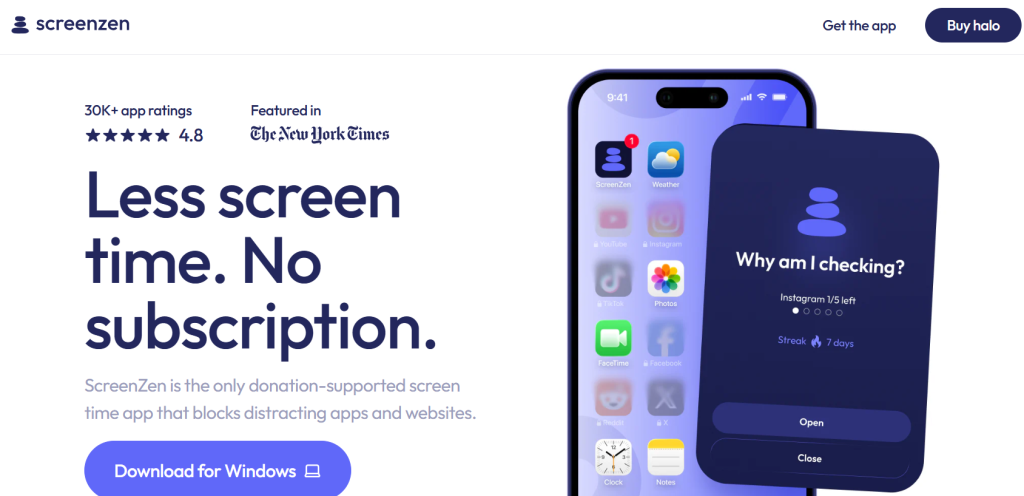
ScreenZen adds a delay screen before flagged apps open. The delay gets longer the more times you open that app in a day. First open might mean a 10-second wait. By the tenth, you’re waiting a full minute. The idea is to make repeated, mindless openings progressively more annoying, without ever fully blocking anything.
What sets it apart in this list is that every feature is free. There’s no premium tier nudging you to upgrade. No artificial cap on customization. Independent reviewers who tested it over several weeks found usage typically plateaus at around a 30% reduction. That’s meaningful, but worth setting realistic expectations around: this is friction, not a hard stop, so determined scrolling still gets through eventually.
- Good for: anyone who wants to test whether friction alone helps, without spending anything to find out.
- Not for: people who’ve already tried friction-based apps and kept pushing through the delay. That’s a sign you need an actual block, not a longer wait.
2.One Sec: Best for Mindful Friction Backed by Research
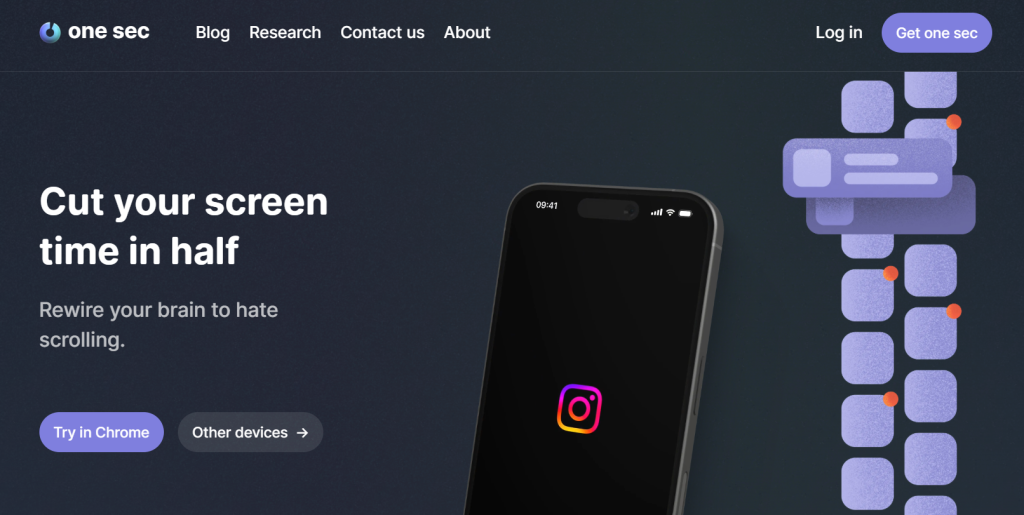
- Platforms: iOS, Android, browser extension (Mac, Windows, Linux)
- Price: Free (1 app) · roughly $15-20/year for Pro (unlimited apps)
Instead of a countdown timer, One Sec inserts a short breathing prompt or moment of reflection right as you try to open a flagged app. You then decide whether to actually continue or close out. Like ScreenZen, it’s friction rather than a hard block. But the specific mechanic, a breath instead of a clock, is designed to interrupt autopilot more directly than watching numbers count down.
This one has unusually strong evidence behind it. A study run with the Max Planck Institute and Heidelberg University found the approach reduced targeted app opens by roughly 57%, published in a peer-reviewed venue. That’s a rarer level of independent validation in this category.
- Good for: people whose phone habit is more “autopilot” than “can’t stop myself.” The pause genuinely works if your urge is mild to moderate.
- Not for: heavier compulsive use, where a pause is easy to breathe through and tap past anyway.
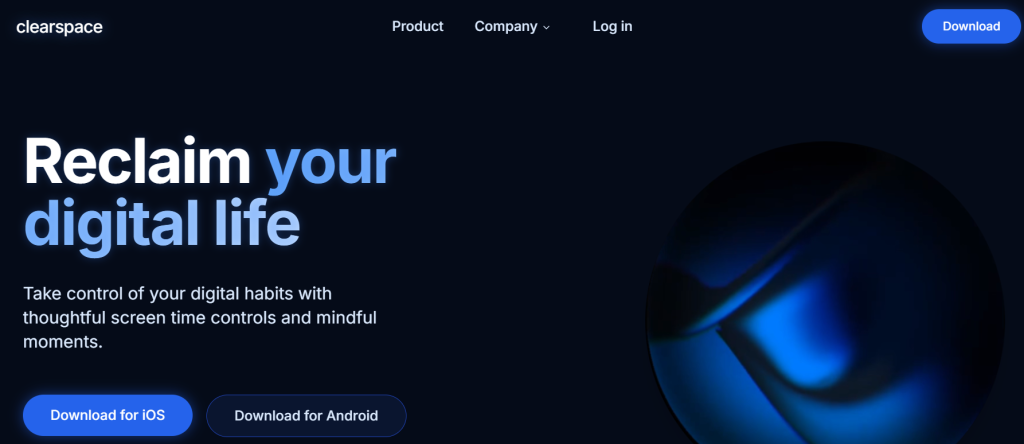
- Platforms: iOS (primary)
- Price: Free (1 app) · $49.99/year for full access
Clearspace takes a different approach to friction. Instead of just waiting out a timer, you “earn” access to a blocked app through a task. That could be a cognitive exercise, like counting backwards. Or, in its most talked-about feature, literal push-ups. Want 30 minutes of Instagram? That’s 30 push-ups first. An optional accountability-partner feature can also notify a friend when you access a blocked app. That adds real social pressure on top of the physical one.
The tradeoff is that accountability features only work as long as the accountability actually holds. Independent reviewers note that friend-based accountability tends to fade after a few weeks, once the novelty wears off. That’s worth knowing going in, rather than expecting it to sustain itself indefinitely.
- Good for: people who respond more to a friend (or their own effort) than to a piece of software telling them no.
- Not for: Android users, or anyone who wants blocking to work without needing another person involved.
4.AppBlock: Best for Location-Aware Blocking
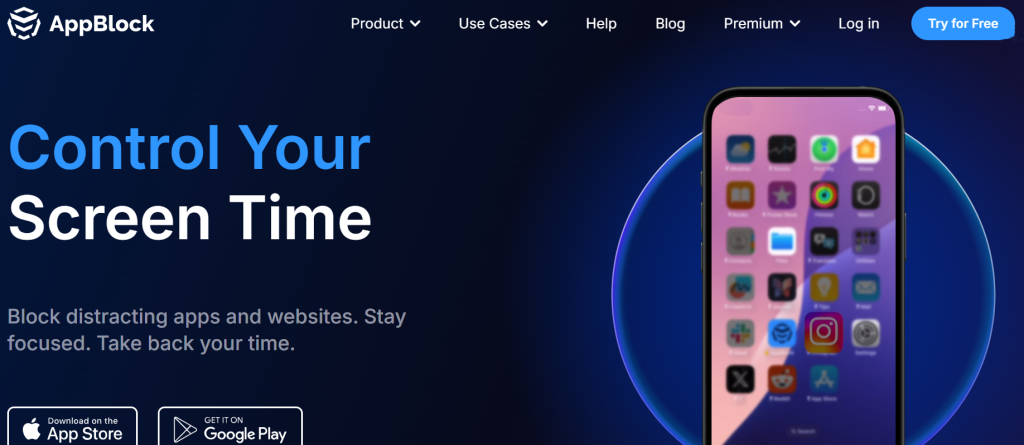
- Platforms: Android (primary), iOS (more limited due to Apple’s background-blocking restrictions)
- Price: Free tier · $4.99/month, $29.99/year, or $89.99 lifetime
AppBlock’s standout feature is location-aware blocking. It can automatically activate a blocklist the moment you arrive somewhere, like your office, and lift it the moment you leave. Beyond that, it supports multiple custom “profiles” for different situations. A strict work profile, a lighter study profile, a full lockdown for sleep. You can switch between them manually or schedule them automatically.
With over 10 million downloads, it’s one of the more established Android-first tools in this space. The depth of customization is a genuine strength. But several reviewers note it can feel like a lot to configure if you just want something simple. If work is where most of your distractions happen, it’s worth pairing a location-triggered work profile with a defined work blocklist, rather than relying on location alone to catch everything.
- Good for: Android users whose distraction is tied to specific places (office, campus, home).
- Not for: iPhone users looking for full feature parity. Some of AppBlock’s strongest features rely on Android-specific permissions that Apple doesn’t allow.
5.BlockSite: Best Cross-Platform Website Blocker
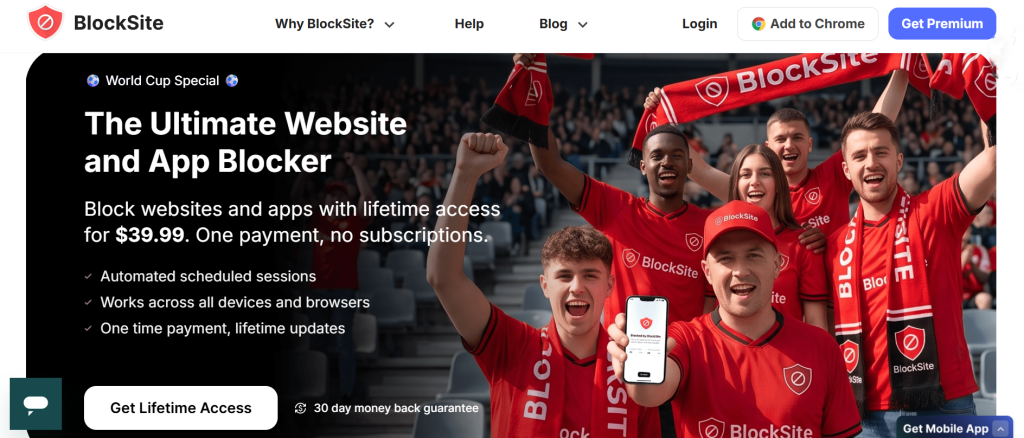
- Platforms: Chrome, Safari, and Edge extensions, plus native Android and iOS apps
- Price: Free tier (limited to a handful of blocked sites) · roughly $39.99 for lifetime access, with monthly/annual options also available
BlockSite’s core strength is breadth. It’s one of the few tools on this list that covers browser extensions and native mobile apps under one account, syncing block lists across your phone, tablet, and computer. Its keyword-blocking feature is a nice extra touch. It blocks any URL containing a specified word, rather than requiring you to list every individual site.
The free tier is genuinely thin. It caps you at just a handful of blocked sites, which functions more like a trial than a real free option. Most of the useful features sit behind the paid tier.
- Good for: anyone whose distraction spans browser and mobile equally and wants one account managing both.
- Not for: budget-conscious users. The free tier isn’t really usable long-term.
6.Opal: Best Polished Option for iPhone
- Platforms: iOS, Mac (limited Android support)
- Price: Free (very limited) · $99.99/year for Pro
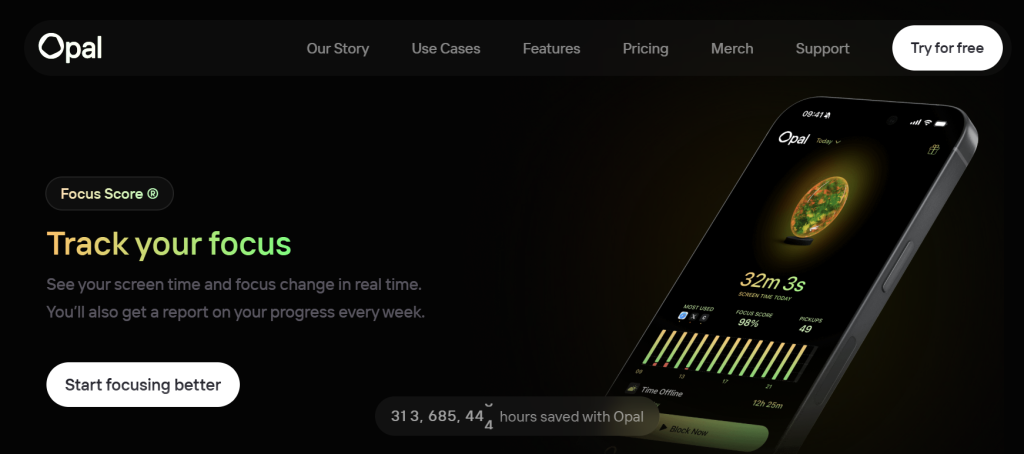
Opal uses Apple’s Screen Time API but layers a more aggressive, better-designed experience on top of it. Its “Deep Focus” mode locks you out of chosen apps for the session duration. No canceling, no workaround short of deleting the app entirely. Streaks, a daily “focus score,” and clean reporting make the whole thing feel more like a habit-building product than a plain blocker.
The free tier is thin by design: one recurring session and only the easiest cancel-anytime blocking mode. The $99.99/year price is really what you’re paying for if you want it to actually hold you to anything.
- Good for: iPhone-first users willing to pay for a stricter, more polished experience.
- Not for: budget-conscious users or anyone on Android, where the app is noticeably less capable.
7.Unpluq: Best for Physical, Not Just Digital, Friction
- Platforms: Android (primary), iOS (limited by system restrictions)
- Price: $26.50 one-time for the physical NFC Tag, plus a required Premium subscription (roughly $64/year) for the tag to function
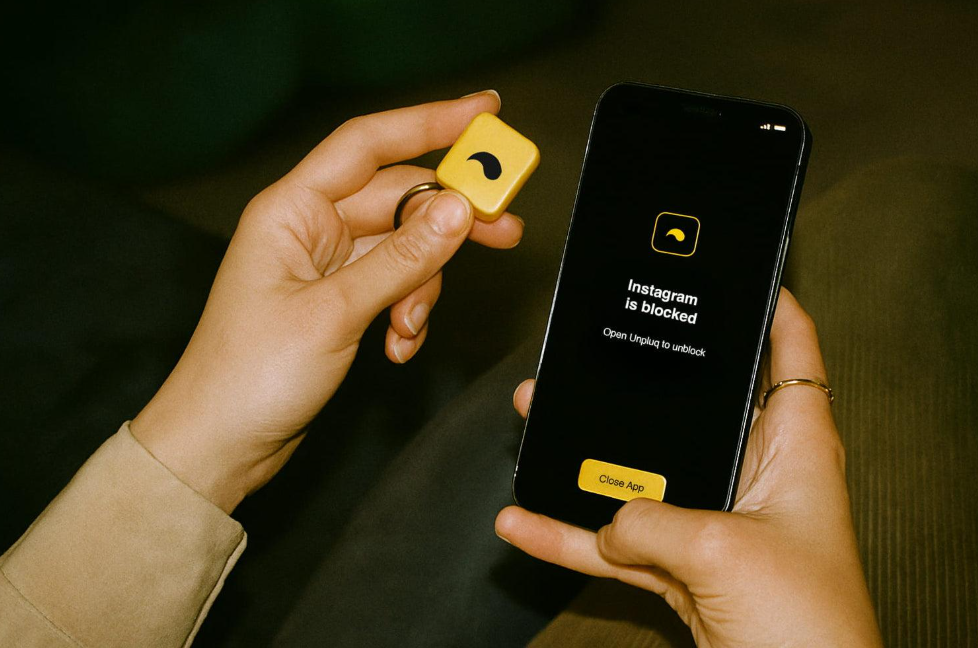
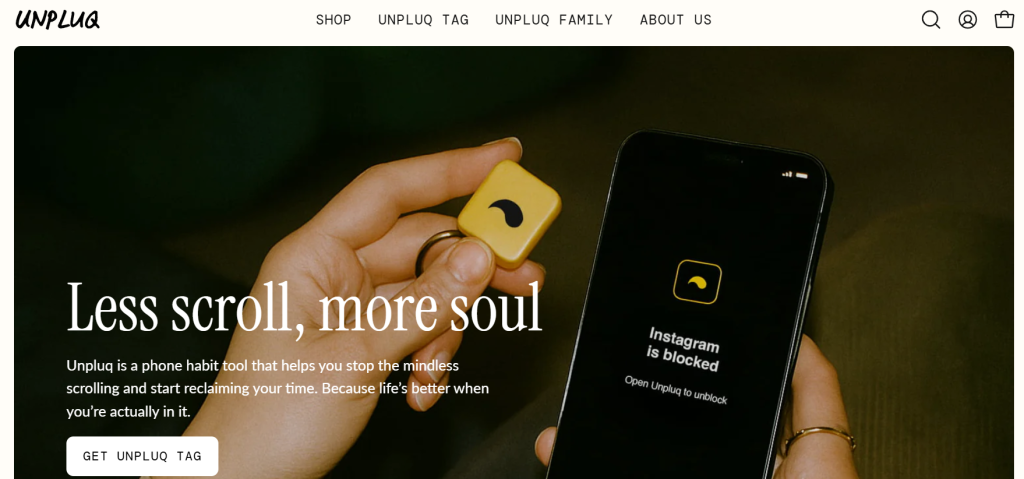
Unpluq is the one genuinely different mechanism on this list. Instead of a software-only pause, it pairs its app with a small physical NFC tag you carry on a keychain. To open a blocked app, you have to physically tap the tag to your phone. No tag nearby, no access. QR codes can also be useful beyond app-blocking workflows. A QR Code Generator can help teams create scannable codes for printed materials, events, internal resources, campaigns, and other physical-to-digital experiences.
The company’s own marketing cites an average customer saving 78 minutes a day. That figure comes from their own reporting, not an independently audited study. It’s worth treating as a vendor claim rather than a settled fact. When evaluating tools like these, the same careful mindset used in investing can help users compare long-term value rather than focusing only on upfront costs. The genuinely useful part is structural: keeping the tag somewhere inconvenient, like your desk at home, creates real friction that a phone-only app can’t replicate. That matters most for the single app most people configure it around: breaking a daily Instagram habit.
- Good for: people who’ve tried software-only friction and kept overriding it. A physical object you have to locate and tap is a meaningfully different barrier.
- Not for: iPhone users, where Apple’s restrictions limit how well the tag-blocking integration works, or anyone unwilling to pay both an upfront hardware cost and an ongoing subscription.
- Platforms: iOS, Android
- Price: Free · $29.99/year for premium
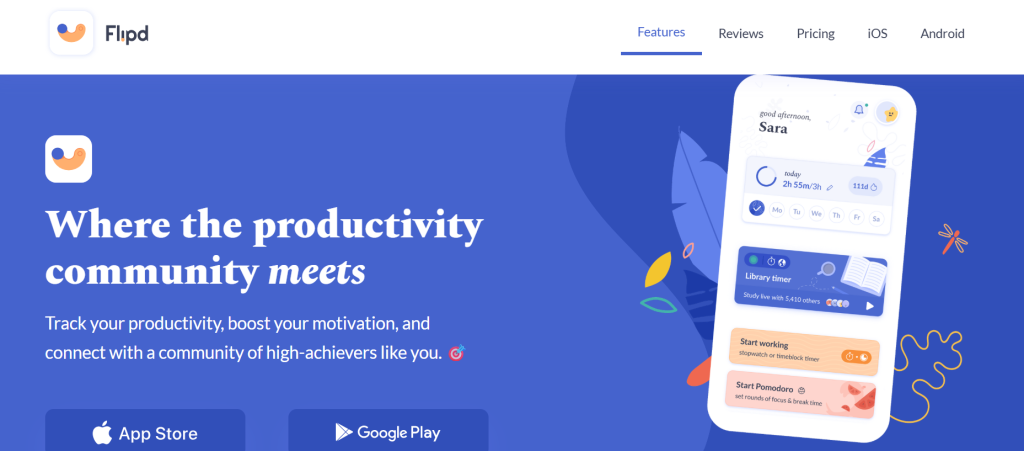
Flipd combines a focus timer with a social layer: live study rooms, group sessions, leaderboards, and the ability to follow friends’ focus activity. A “Full Lock Mode” hides distracting apps during a session. Essentials like calls and messages stay available.
The social features are the real differentiator here. They’re also the key difference from Clearspace’s accountability model. Flipd builds accountability around shared focus sessions with peers or strangers in a study room, not one-on-one friend notifications. For people who focus better with visible, shared effort or a bit of friendly competition, that’s a distinct kind of social pressure.
- Good for: students and anyone who focuses better with visible peer accountability.
- Not for: anyone who’d rather not have their focus sessions tied to a social feed.
Which Type of App Actually Fits You?
These eight apps solve genuinely different problems. “Best” depends on which one matches your actual distraction pattern.
- If your phone habit is mostly autopilot (you don’t remember deciding to open the app), a friction-based tool like One Sec or ScreenZen fits better than a hard block. The pause interrupts the pattern right at the moment it would otherwise run automatically, which is exactly what your subconscious mind is doing. Many of these solutions are evolving through AI Powered App Development Services to deliver smarter, more personalized interventions. Effective software development combines behavioral insights with intelligent technology to create tools that adapt to users’ habits and provide timely interventions. A custom software development company can also build tailored digital wellbeing tools around specific user needs and behaviors.
- If you’ve already tried software-only friction and just push through it, you need something stronger. Either a harder lock, like Opal’s Deep Focus mode, or a physical barrier, like Unpluq’s tag. Both remove the option to simply tap past a delay.
- If accountability from another person motivates you more than any app setting, try Clearspace’s pushup-and-partner model or Flipd’s study rooms. Both will likely work better than a solo blocker you can quietly ignore.
- If your distraction spans your phone, browser, and different physical locations, look at AppBlock’s location-based rules or BlockSite’s cross-platform sync. Single-device apps can’t solve that kind of spread.
Conclusion
There’s no single best digital wellbeing app, because “digital wellbeing” isn’t one problem. It’s friction, physical barriers, social accountability, and location-based rules. Different apps are built around each of those approaches. The built-in tools on your phone are a reasonable place to start if you haven’t tried anything yet. If you have, and they weren’t enough, matching the app’s mechanism to your specific habit beats picking whichever one has the most five-star reviews.