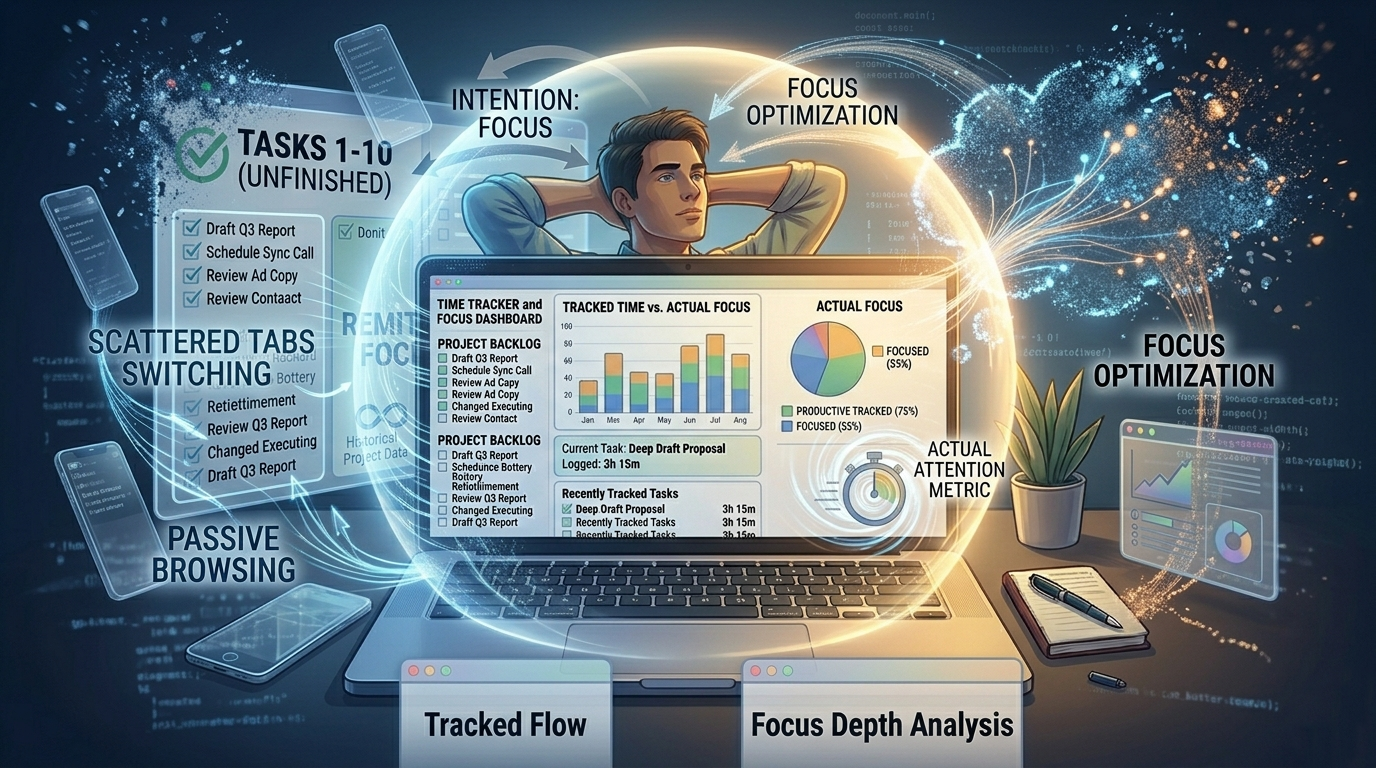
You’ve got the time tracker running. Every hour is logged. The reports show exactly where your day went. And somehow, despite all that data, you’re still losing focus, still drifting, constant distractions still pulling you off task, still ending the day with less done than you planned.
Time tracking is one of the most popular productivity tools out there, and one of the most misunderstood. It tells you where your hours went. It says almost nothing about why your focus kept slipping, or how to increase your attention span so it happens less often. That gap is what this post is about.
Quick Takeaways
- Time tracking measures hours, not attention quality, the two are very different things.
- Employees average only 39% of their day in genuine deep focus, regardless of hours logged.
- The fix isn’t more granular tracking, it’s pairing data with awareness of your focus patterns, delivered in the moment.
Hours Logged Is Not Attention Delivered
Time tracking was built for accountability and billing, knowing how many hours went to which project. It does that job well. What it wasn’t designed to do is explain why your concentration kept breaking, or sustain attention once it starts to fray.
Research shows the average employee spends only 39% of their workday in genuine deep focus, roughly two to three hours at best. A separate, widely cited UK survey of nearly 2,000 office workers found people are genuinely productive for just 2 hours and 53 minutes of an 8-hour day, with social media and news browsing as the biggest drains. A time tracker records all of it at face value. It can’t tell the difference between an hour of real problem-solving and an hour of distracted tab-switching that happened to involve the same document.
Time tracking also only reports after the fact, you see what happened yesterday, not the specific five-minute window when your focus was fragile and something easier pulled you away. By the time you’re reviewing the log, that context is gone. This is why people can track time faithfully for weeks and still not improve their focus: the data is real, but without the why, it doesn’t produce change on its own.
What’s Missing: Attention Tracking vs. Time Tracking
Time tracking and attention tracking aren’t the same thing.
| Time Tracking | Attention Tracking | |
|---|---|---|
| What it measures | Hours spent on apps, tasks, projects | Quality and depth of focus within sessions |
| When it gives feedback | After the session or day | During or immediately after drift occurs |
| Core limitation | Cannot distinguish busy from productive | Requires consistent use to build pattern data |
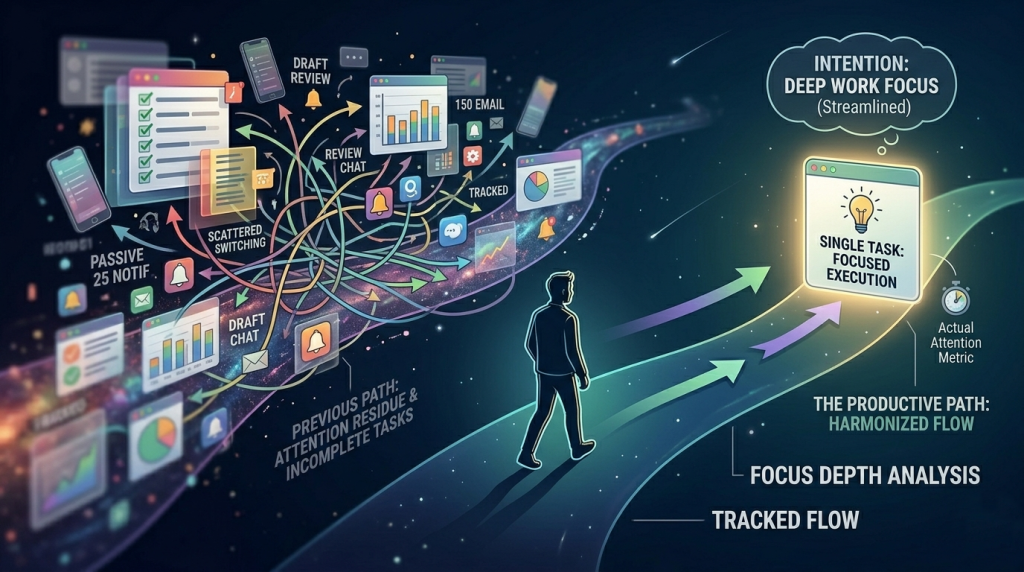
Imagine your tracker shows three hours on a project Tuesday morning. That looks productive. What it doesn’t show is that you drifted into passive browsing twice inside those three hours, once for 18 minutes, once for 25, while attention residue from an earlier email thread kept pulling you back. Studies on fragmented focus show sessions like this, technically “on task” but cognitively scattered, produce substantially worse output than a genuinely uninterrupted block of the same length. The hours look identical. The sustained attention behind them is completely different.
How to Increase Your Attention Span and Sustain Focus
Most advice on improving focus stops at “eliminate distractions,” which skips the part where you actually catch yourself drifting and build the pattern that prevents it next time.
- Catch the drift early: Once distraction takes hold, it takes an average of 23 minutes to fully regain deep focus. A five-minute scroll that goes unnoticed can cost 30 minutes of recovery. Catching it at the 3-minute mark instead interrupts the loop at a fraction of the cost, which is a large part of why early awareness matters more than stricter blocking.
- Learn your own distraction signature: Tracking when drift happens, what you open instead, and what you were doing right before, builds a picture time tracking alone never delivers: the specific conditions and triggers that reliably break your focus.
- Work in cycles your brain can actually sustain: Attention doesn’t hold steady for eight hours straight. Many people do better working in focused blocks of roughly 90 minutes, followed by a real break, rather than trying to force a full day of uninterrupted output. On a shorter scale, the Pomodoro Technique, 25 minutes of focused work followed by a 5-minute break, works on the same principle: focus in bounded stretches, not open-ended stretches that quietly degrade.
- Match task type to energy level: Cal Newport’s research suggests most people can sustain four to five hours of genuine deep focus a day, but only when that work lands in their naturally sharp hours rather than whatever’s left after meetings. Time tracking data is what helps you actually find those windows.
- Close the loop with a short review: At the end of a work session, take two minutes to note what triggered any focus break and what you were doing right before. Over a week, the pattern becomes visible, and once it’s visible, it’s addressable.
Integrating Mindfulness Practice to Eliminate Constant Distractions
Most advice on mindfulness assumes an offline exercise, breathing, sitting still, stepping away from your desk entirely. That’s valuable, but it’s not always practical mid-task, and it doesn’t address the moment drift is actually happening.
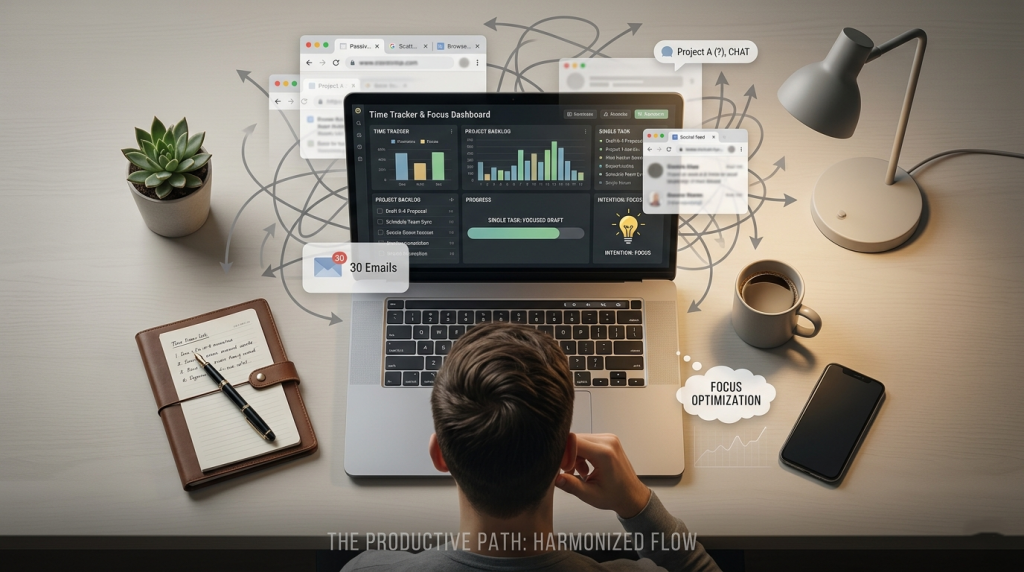
A quieter version of the same idea is bringing attention back to the present moment without breaking flow entirely, noticing you’ve drifted, without judgment, and choosing to return. That noticing is the whole mechanism: the gap between the reach and the scroll is where change happens, not in reviewing a dashboard a day later.
This is the gap ComfortZoneCheckin was built to fill. Where a time tracker documents what happened after, it detects the moment passive browsing crosses a threshold and surfaces a quiet check-in, functioning as a real-time mindfulness practice that re-engages intentional focus before the session is lost, rather than a hard block or another report to review. Left unaddressed, this kind of unmanaged drift is also a common contributor to end-of-day brain fog, since fragmented attention costs more mental energy to recover from than sustained focus ever does.
Conclusion
Time tracking is a useful tool, but it answers a different question than the one most distracted people are actually asking. If you’re logging your hours faithfully and still losing focus, the problem isn’t the tracker, it’s trying to solve an attention problem with an accounting tool.
The fix isn’t more data. It’s data plus awareness, delivered at the moment distraction actually happens. Knowing you lost an hour yesterday is interesting. A quiet nudge that catches you three minutes into the drift, before it costs 23 minutes of recovery, is what actually changes the pattern.