
Pomodoro timer apps play a real role in enhancing focus, but distractions and constant notifications make deep work harder to sustain than ever, especially when the triggers behind the drift go unnoticed. These 8 focus timer apps cater to different preferences, whether you want a minimalist interface, ambient sound, gamified motivation, or detailed time tracking, there’s a timer app suited to your workflow.
| App | Price | Platforms | Timer style | Free tier |
|---|---|---|---|---|
| Forest | $3.99 one-time on iOS | iOS, Android, Chrome and Firefox extensions | Gamified countdown that grows a tree | Yes: Android app and browser extensions |
| Focus To-Do | Premium from about $2/mo or $11.99 lifetime | iOS, Android, Windows, macOS, Web, Chrome | Pomodoro tied to tasks, with a count-up option | Yes: timer, tasks and basic stats on one device |
| Tide | Plus $11.99/mo or $59.99/yr (US) | iOS, Android | Customizable focus timer with nature soundscapes | Yes, limited |
| Pomofocus | Optional Premium upgrade | Web browser | Classic Pomodoro with adjustable lengths | Yes: full timer, task list and basic reports |
| Session | Pro $4.99/mo or $39.99/yr | macOS, iOS, iPadOS | Pomodoro-style blocks, custom lengths on Pro | Yes: unlimited sessions, 2 days of analytics |
| Focus Keeper | Pro $3.99/mo or $34.99/yr | iOS, iPadOS, Apple Watch, Android | Classic 25/5 Pomodoro with adjustable dial | Yes: core timer |
| Engross | Optional Premium upgrade | iOS, iPadOS, Android | Customizable Pomodoro and stopwatch with a distraction tracker | Yes: timer, to-do and calendar basics |
| Clockify Timer | Paid plans from $5.49/user/mo (billed annually) | Web, Windows, macOS, Linux, iOS, Android | Pomodoro intervals built into time tracking | Yes: Pomodoro timer and unlimited tracking |
Why Deep Work Is Harder Than Ever:
Constant notifications and digital distractions
In today’s fast-paced digital world, the concept of deep work is becoming increasingly challenging. The incessant barrage of notifications and digital distractions has made it harder than ever to focus on tasks that require deep concentration.
The challenge of maintaining long focus sessions
One of the main obstacles to deep work is the difficulty in maintaining long focus sessions. With so many interruptions vying for our attention, staying immersed in a single task for an extended period can feel nearly impossible. One major but often overlooked distraction is constant email checking, which quietly fragments attention throughout the day. Delegating inbox handling to an email management virtual assistant can help reduce this cognitive load and allow professionals to stay focused on meaningful, uninterrupted work. To further strengthen focus and maintain consistency. This is where the importance of leveraging tools like pomodoro timer apps comes into play.
Why structured work sessions improve productivity
These apps break down work into manageable intervals, usually 25 minutes of focused work followed by a short break. This structured approach not only helps combat distractions but also enhances productivity by encouraging intense focus during work sessions.
By incorporating pomodoro timer apps into your workflow, you can create a conducive environment for deep work. These tools provide a framework that supports sustained concentration, allowing you to make significant progress on complex tasks without succumbing to digital disruptions.
In conclusion, the prevalence of constant notifications and digital distractions in today’s world has made deep work more challenging than ever. However, by embracing structured work sessions facilitated by pomodoro timer apps, you can overcome these obstacles and enhance your productivity levels significantly.
What Is a Focus Timer App?
A focus timer app is a tool that manages your time by breaking work into intervals with short breaks between them, known as time-boxed work sessions, built to improve concentration and prevent procrastination.
The technique most closely associated with focus timers is the Pomodoro Technique, developed by Francesco Cirillo: you set a timer for 25 minutes, work until it’s up, then take a five-minute break, and repeat the cycle. After four intervals, you take a longer break. This structured approach, alternating automated work and break periods rather than relying on an open-ended stretch of time, is what separates a dedicated focus app from a standard phone timer: it removes the friction of deciding when to start or stop, and the constant context-switching that comes with tracking time manually.
Deep work, a concept from author Cal Newport, emphasizes focused effort on cognitively demanding tasks. Focus timer apps support this directly by giving you a dedicated, bounded block for exactly that kind of work.
What Makes a Good Focus Timer App
- Easy session setup: A straightforward, minimal interface removes friction before the work even begins.
- Customizable durations: The flexibility to adjust focus and break lengths lets the app match your actual work style rather than forcing one rhythm on everyone.
- Deep focus mode: The strongest apps enforce the session rather than just timing it, some detect if you leave the app mid-session and require you to restart, which turns a soft suggestion into a real commitment device against app-switching.
- Distraction blocking: Blocking notifications or limiting access to distracting websites during a session removes the temptation rather than just counting down against it.
- Progress tracking: Insight into how your time is actually allocated helps you identify patterns and adjust your workflow over time.
1. Forest:
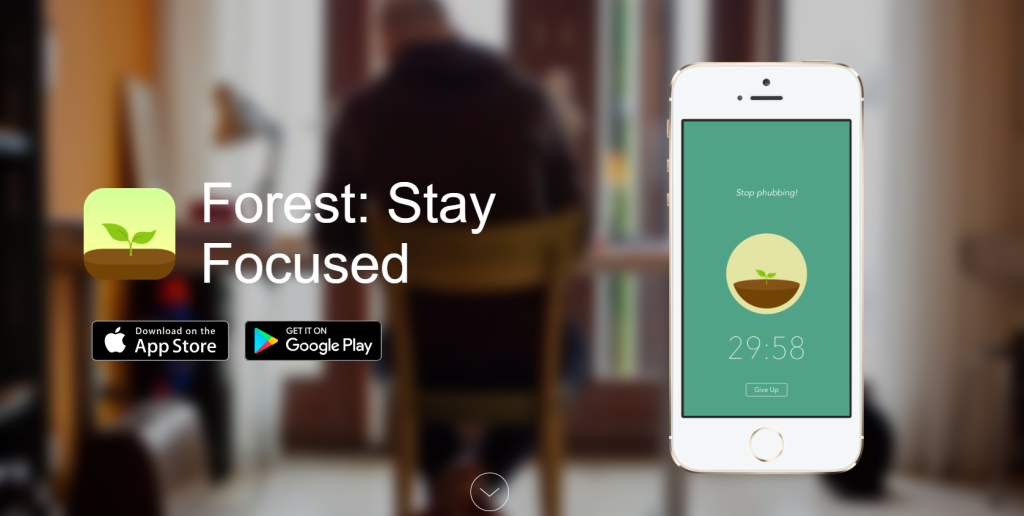
Forest combines gamification with productivity: growing a virtual tree while you focus, and letting it die if you leave the app, is Forest’s version of deep focus mode, a visual commitment device rather than a soft reminder. It’s best suited for people motivated by tangible, visual progress and a bit of friendly competition.
2. Focus To-Do:
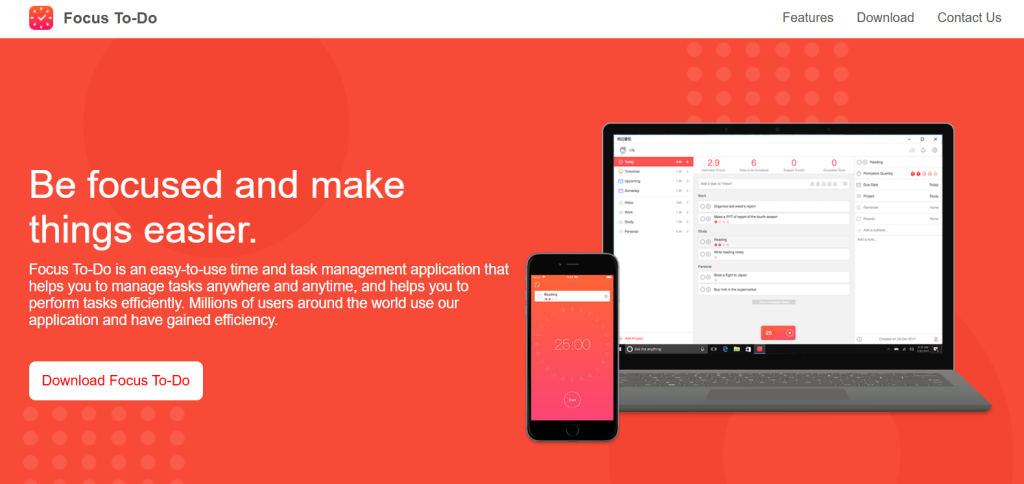
Focus To-Do pairs a Pomodoro timer with task management in one place, letting you create tasks, set timers, and track progress without switching between separate apps. It’s a strong fit for anyone who wants structured workflows rather than a standalone timer.
3. Tide:
Tide adds calming sounds and ambient audio to the standard timer format, designed to reduce stress during work sessions rather than just structure them. It suits people who focus better with background sound than in silence.
4. Pomofocus:
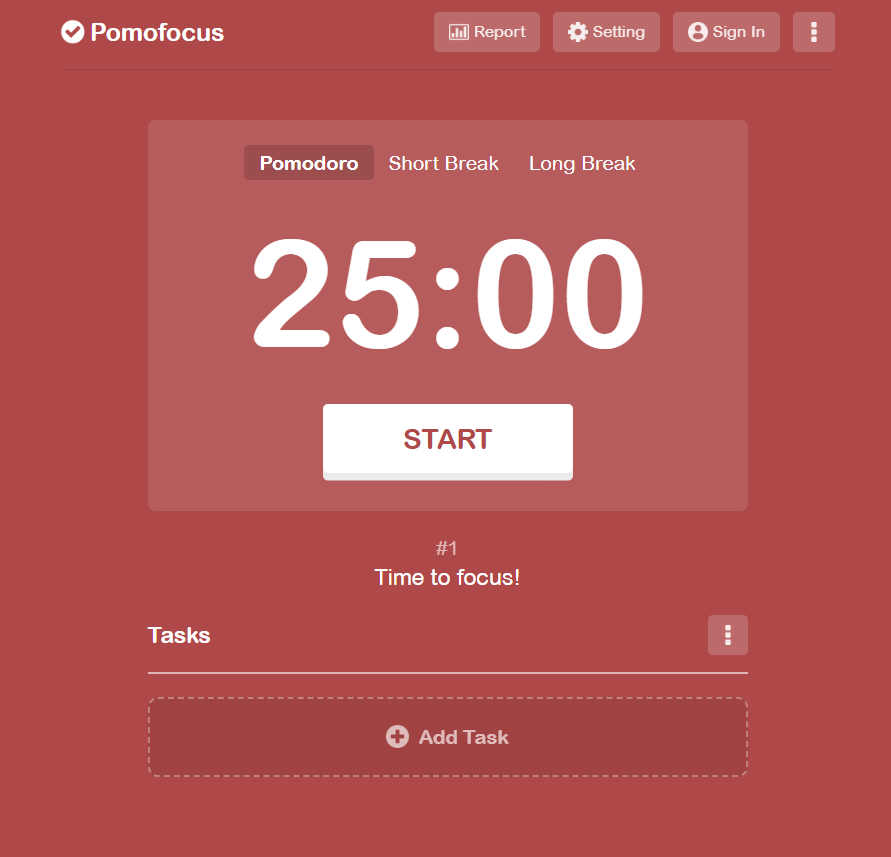
Pomofocus is a simple, browser-based Pomodoro timer with customizable session lengths and task tracking, no install required. It’s built for minimalists who want a distraction-free timer without extra features getting in the way.
5. Session:
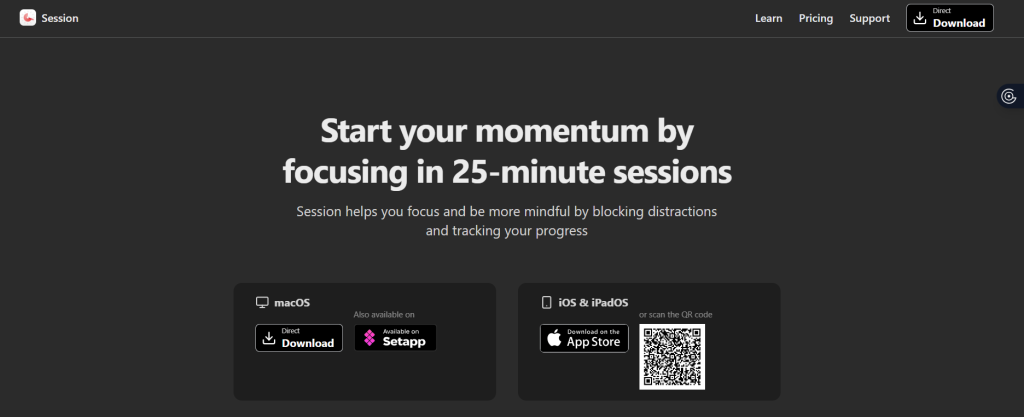
Session is a deep work timer built around automatic tracking of focus sessions, giving you productivity insights like session duration, breaks taken, and your most productive hours. Session is also known for website and app blocking on the Mac, pairing the timer with the ability to actually block social media and distracting sites during a session, turning “input: block distracting URLs” into “output: an uninterrupted focus block” rather than leaving that enforcement up to willpower.
6. Focus Keeper:
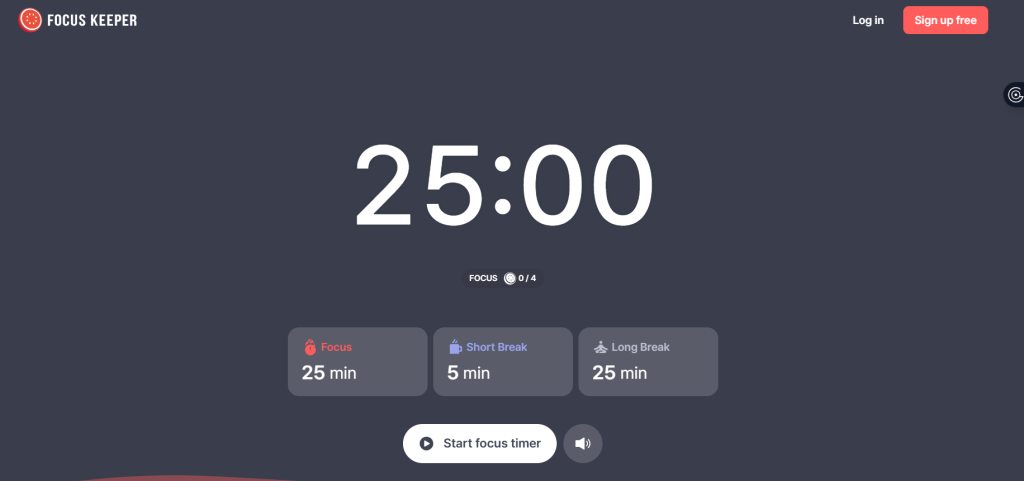
Focus Keeper is a classic, no-frills Pomodoro timer, a good starting point for beginners who just want the traditional Pomodoro technique without extra configuration.
7. Engross:
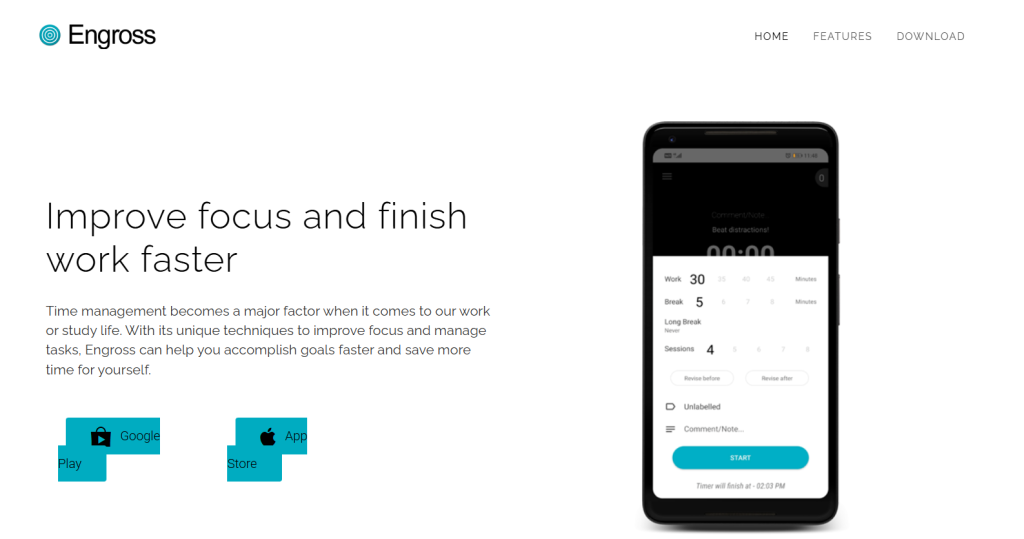
Engross tracks distractions and focus patterns as they happen, giving people who frequently lose focus a clearer picture of what pulls them away and when.
8. Clockify Timer:
Clockify Timer combines time tracking with focus sessions, making it especially useful for freelancers and remote teams. Its standout capability is linking Pomodoro sessions directly to billable hours tracking, turning completed focus blocks into accurate invoicing data rather than a separate manual step. It also integrates with Slack, letting the timer automatically set a “do not disturb” status when a session starts, so your team knows you’re heads-down without you sending a message about it.
How These Focus Apps Differ
Most of these apps use the classic Pomodoro rhythm, but a few alternative timing methods are worth knowing if 25/5 doesn’t fit your work. The 52/17 method stretches the work block to 52 minutes with a 17-minute break, suited to people who need more runway to get into flow. Ultradian rhythm approaches lean on the body’s natural ~90-minute energy cycles rather than a fixed interval. Flowtime is the most flexible: you work until you naturally feel the pull to stop, then take a break, no preset timer at all. Which method fits depends less on the app and more on how your own attention tends to hold up over a session.
Tips for Using Focus Timer Apps Effectively
- Step 1: Start with shorter sessions. Begin with 25-minute intervals, the classic Pomodoro length, rather than jumping straight to long blocks. Increase duration gradually as your concentration stamina builds.
- Step 2: Pair timers with distraction blockers. A timer alone doesn’t stop notifications from pulling you away. Combining it with a blocker, like the ones built into Session or Engross, removes the temptation rather than just counting down against it, though it’s worth knowing why some blockers don’t actually work as expected before relying on one entirely.
- Step 3: Use breaks intentionally. Breaks aren’t for scrolling, they’re for recharging. Stretching, a short walk, or a few minutes of quiet does more to reset focus than checking your phone.
Conclusion:
Pomodoro timer apps make starting deep work easier by breaking it into manageable, bounded intervals instead of one intimidating open-ended block. The right app builds strong productivity habits over time through customizable intervals, task tracking, and progress monitoring, but which app is “right” depends entirely on your own work style. Trying a few is the fastest way to find the one that actually sticks.
FAQ
Tools that help you practice the Pomodoro Technique, a time management method developed by Francesco Cirillo.
They break work into intervals, traditionally 25 minutes, separated by short breaks.
Yes, they promote focus and reduce distractions by giving work a bounded, structured shape.
Customizable timer lengths, task tracking, and for some workflows, integrated distraction blocking
Yes, studying, writing, coding, and other focused work all fit the same structure.
Yes, several of the apps above offer free tiers with the core Pomodoro functionality.