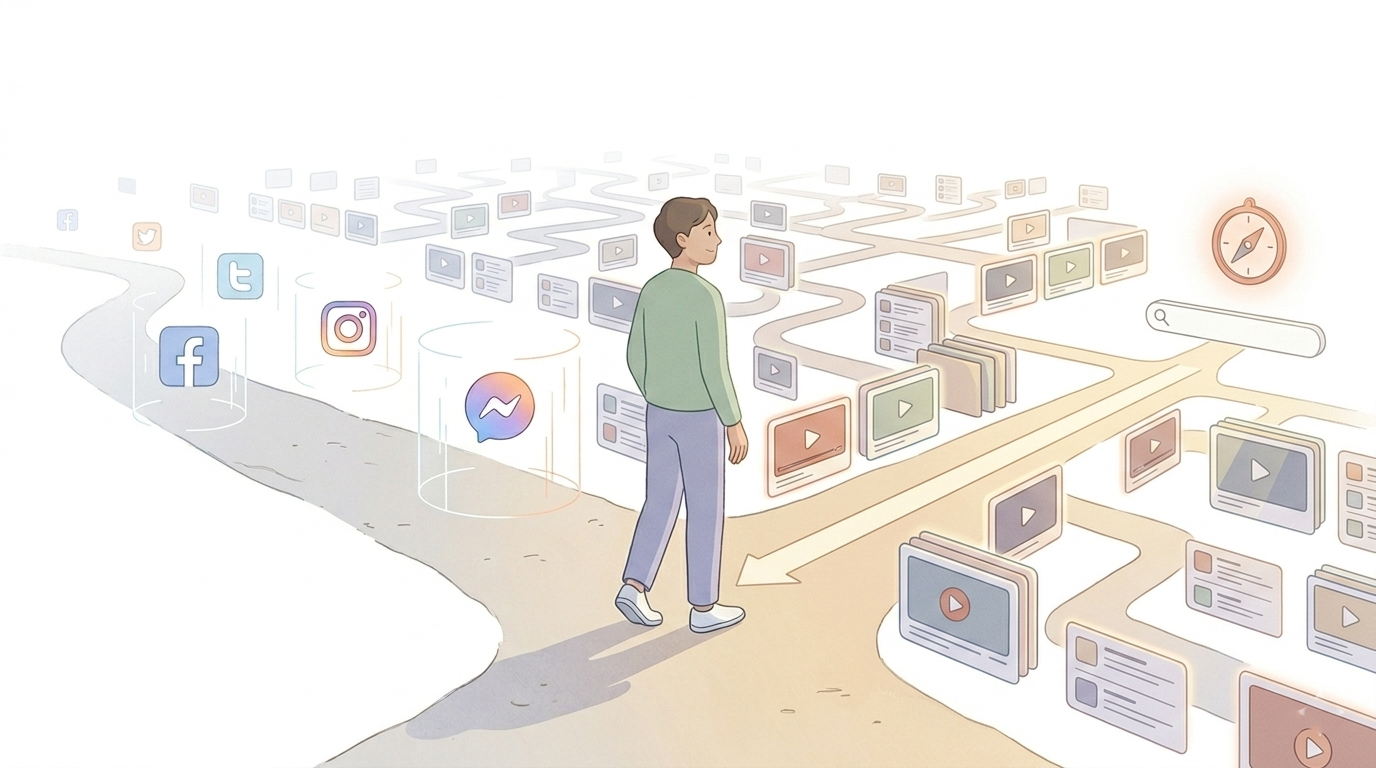
Seventy percent of what people watch on YouTube today was not something they chose. It was something the algorithm chose for them. That stat comes from YouTube’s own chief product officer, who described the platform’s goal as delivering “a steady stream, almost a synthetic or personalized channel.” Not a place to find what you’re looking for. A system designed to replace the decision of what to watch next.
You probably know what that feels like. You opened YouTube to watch one video. You know the rest.
The average person now spends around 52 minutes a day on YouTube globally, and in a 2025 tracking study across 20 markets, YouTube overtook Netflix in total daily viewing time for the first time. But the honest frustration isn’t the number on your Screen Time report. It’s the gap between what you opened the app to watch and what you were watching 45 minutes later.
The most reliable fix is to block YouTube at the right level: on your phone, in your browser, or across your whole home network. Below are the three methods, how to set each one up, and how easy each is to get around. After that, the guide covers the habit changes that stop you from switching the block back off.
Quick Takeaways
- Over 70% of what you watch on YouTube was chosen by the algorithm, not by you. The system is designed to replace your decisions, not support them.
- The real problem isn’t YouTube itself. It’s the moment purposeful watching tips into passive drift, usually within 1-2 videos of your original search.
- Willpower alone fails because the feed is built to beat it. Blocks work best at the right level (app, browser, or network) and paired with the habit changes below, so you don’t switch them off.
- The highest-impact single change: turn off autoplay. It reintroduces a decision point after every video.
- Clearing your home feed, moving the app off your home screen, and using the search-first rule all reduce passive drift without blocking legitimate use.
- YouTube Shorts is a separate, faster loop. It needs its own intervention.

How to Block YouTube: 3 Methods That Work
Pick the method that matches where you actually watch. Most people need the first one for their phone plus one of the other two for their computer.
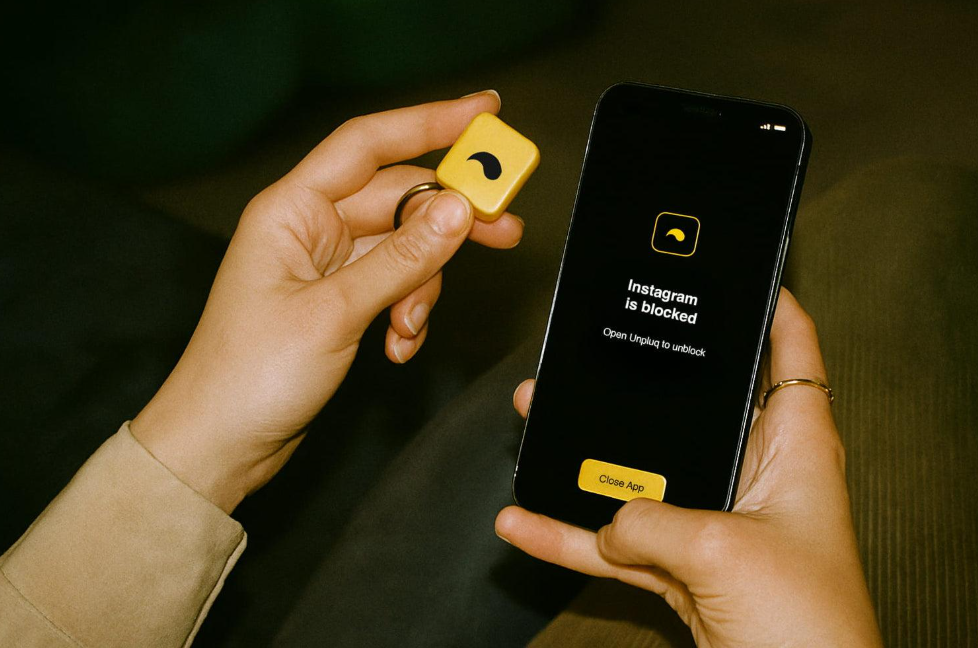
1. Block YouTube on iPhone and iPad with Screen Time
This blocks YouTube in every browser on your phone (Safari, Chrome and the rest), plus the YouTube app itself. It takes about five minutes.
Block the website:
- Open Settings and tap Screen Time. If you haven’t already, tap Lock Screen Time Settings and set a passcode different from your unlock code.
- Tap Content & Privacy Restrictions and switch it on.
- Tap App Store, Media, Web & Games, then Web Content.
- Choose Limit Adult Websites.
- Under Never Allow, tap Add Website and enter youtube.com. Repeat for m.youtube.com and youtube-nocookie.com.
Block the app:
6. Go back to Screen Time → App Limits → Add Limit, select YouTube, and tap Next.
7. Set the limit to 0 minutes if your iOS version allows it, or 1 minute if not.
8. Turn on Block at End of Limit and tap Add.
On a Mac, the same web blocking lives in System Settings → Screen Time → Content & Privacy, and it covers Safari too. For more detail on the app side, see how to block apps on iPhone.
2. Block YouTube with a Browser Extension
Best for a work computer where YouTube is the main distraction. It takes about two minutes. This example uses LeechBlock NG, which is free for Chrome, Firefox and Edge.
- Install LeechBlock NG from the Chrome Web Store or Firefox Add-ons.
- Click the extension icon and open Options.
- In Block Set 1, type youtube.com in the box of sites to block.
- Set the times to 0000-2400 and tick every day, or pick just your work hours.
- Click Save Options.
- Open your browser’s extensions page and turn on Allow in Incognito for LeechBlock, so a private window isn’t a way around it.
An extension only covers the browser it’s installed in. If you tend to switch browsers or turn the extension off, a system-level desktop blocker like Cold Turkey Blocker is much harder to get around. For Safari on a Mac, these steps for blocking sites on Safari cover the built-in options.
3. Block YouTube for Your Whole Home Network (Router-Level)
This blocks YouTube for every phone, laptop, tablet, and TV on your home Wi-Fi at once, which makes it the strongest option for households. It takes 15–30 minutes, and menu names vary by router brand.
- Log in to your router’s admin page, usually 192.168.0.1 or 192.168.1.1 in a browser, or use your router’s app. The login details are often printed on a sticker on the router.
- Find the section called Parental Controls, Access Control, URL Filtering or Block Sites.
- Add these domains: youtube.com, m.youtube.com, youtu.be, youtube-nocookie.com, ytimg.com and googlevideo.com. The last two carry YouTube’s images and video streams, so blocking only youtube.com often isn’t enough.
- Save, then restart the router.
- Change the router’s admin password from the default, or anyone at home can undo the block.
If your router has no blocking feature, a DNS filtering service like NextDNS can block YouTube across the network in a similar way.
Keep in mind that router blocks only work on your Wi-Fi. A phone on mobile data, a VPN, or iCloud Private Relay can get around them, so pair this with method 1 on phones.

Which Method Should You Use?
| iPhone Screen Time | Browser Extension | Router-Level | |
|---|---|---|---|
| What it covers | The YouTube app and every browser on that phone or iPad | One browser on one computer | Every device on your home Wi-Fi |
| Setup difficulty | Easy (about 5 minutes) | Very easy (about 2 minutes) | Medium (15–30 minutes, depends on router) |
| How easy it is to bypass | Medium: easy if you know the passcode, hard if someone else holds it | Easy: switch browsers or disable the extension | Hard on Wi-Fi, but easy on mobile data or a VPN |
| Best for | Your own phone, or kids’ devices | Staying focused at a work computer | Families and shared homes |
Blocking only Shorts or the home feed?
If you still need YouTube for tutorials or work, you don’t have to block the whole site. Extensions like Unhook hide Shorts and recommendations while keeping search working. The habit section below covers this approach.
Why YouTube Is Designed to Keep You Watching
YouTube’s system processes over 80 billion signals every day to figure out which video to serve you next. The goal isn’t to help you find something you’d choose. It’s to predict the video that will make you stay.
Over 70% of all watch time on YouTube comes from those algorithmic recommendations, not from searches or subscriptions. You come in through a door you chose. You leave through one of the algorithms held open for you.
Part of what makes this hard to resist is the neuroscience behind it. Research on variable rewards shows why unpredictable rewards produce bigger dopamine spikes than predictable ones. You get a hit of novelty, your brain registers it, and it immediately recalibrates for the next one. The dopamine isn’t coming from the video you’re watching. It’s coming from the possibility that the next one might be better. That mechanism is what drives slot machines. For some people, this cycle doesn’t just affect focus; it quietly raises baseline anxiety levels.
When the brain is running a low-grade anticipation loop for hours, it’s harder to feel settled even after you’ve closed the app. That residual restlessness is a mental health signal worth taking seriously, not just a productivity problem. And it’s what drives the YouTube feed. (If you have ADHD, this pattern tends to hit harder for neurological reasons worth understanding separately.)
A 2022 Mozilla study, covered by MIT Technology Review, found that YouTube’s “Not Interested” and “Dislike” controls have minimal actual effect on what the algorithm recommends. Even when users explicitly told the system they didn’t want certain content, similar videos kept appearing. The controls create a sense of agency. They don’t meaningfully change the output.
None of this is accidental. The system was built this way. That’s worth holding on to, because it changes what you need to do about it.
The Problem Isn’t Watching YouTube. It’s When Intentional Becomes Passive.
Here’s what most advice about reducing YouTube use misses entirely. The people who struggle with it aren’t indiscriminate YouTube addicts. They had a specific reason for opening the app. They just lost track of it somewhere around video three.
University of South Carolina research into algorithmic platforms found that the recommendation feed creates a “cognitive transition” from active to passive viewing. Users enter with intent and exit having watched content they never actually selected. The transition is engineered to feel invisible, because any visible break might give you a chance to decide you’re done.
You came to look up a workout routine. You watched a video rating pilates instructors. Then a healthy snack recipe appeared in the sidebar. Then a documentary about endurance athletes. An hour later, the workout itself never happened.
This pattern has a name at ComfortZoneCheckin: the Comfort Loop. It’s the moment when a purposeful activity quietly tips into passive dwell, and the user doesn’t notice the transition until they’re already well into it. The platform describes a broader pattern of how productive intent hands control to an algorithm without the user registering the handoff.
This distinction matters in practice. If you use YouTube for real reasons, tutorials, research, learning, or entertainment you chose, then blocking it entirely creates friction in both directions. It blocks the useful use as much as the mindless one. What you actually need is a way to interrupt the drift, not the intent.
Why the Obvious Fixes Don’t Stick
“I’ll just use more willpower” fails because the algorithm is optimized by machine learning against human impulse. This is not a fair fight.
Setting a timer works briefly. It falls apart the moment the alarm goes off mid-video and you tap dismiss. The cost of dismissing a timer notification is essentially zero. Stopping a video that’s still playing? That feels higher.
Blocking is the most reliable fix when YouTube has no real role in your day. But for people who need it for work, study, or creative projects, a full block causes problems right away. They disable it for legitimate reasons, and the passive habit comes back because nothing about the conditions changed. That’s when blocking only Shorts or the home feed, plus the changes below, works better than a blanket block.
The Towards Data Science writer who visualized and then quit his own YouTube habit documented something important: when he stopped watching, the mental space left behind wasn’t automatically filled with something better. The need for videos was meeting, low-effort mental rest between demanding tasks, didn’t disappear just because the videos were gone. He had to find a replacement, not just create an absence. What to fill that space with is worth thinking through separately.
All of these approaches share the same flaw: they treat every YouTube session as the problem, when the real problem is the unintended sessions. The ones that started as something specific and became something passive.
If you’ve tried these approaches and they didn’t hold, that’s not a character issue. It’s what happens when you try to beat a design system with willpower and timers.
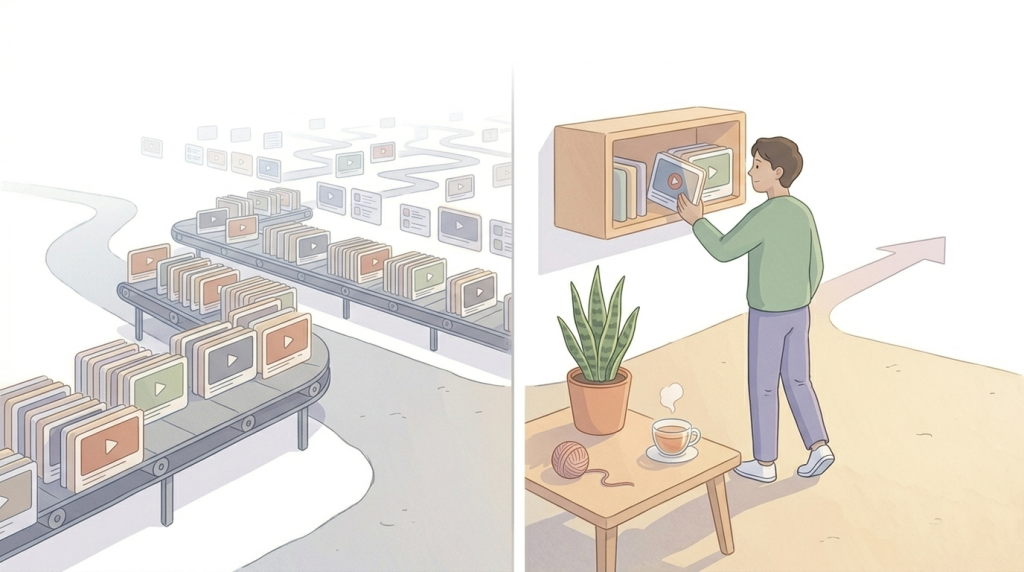
What Keeps You Off YouTube Long-Term: Behavior Design
The goal isn’t to stop using YouTube. It’s to stop passive drift from happening without your awareness.
A 2025 study published in the British Journal of Public Health found that friction-based nudge interventions, adding a small deliberate pause before the next scroll or recommended video, measurably reduced time spent on social media without requiring users to block anything. The friction doesn’t need to be large. It just needs to exist, because the autoplay-to-scroll pipeline is specifically engineered to eliminate every natural pause where a decision could occur.
You’re not trying to out-discipline the algorithm. You’re trying to reintroduce the decision points it removed.
- Clear your YouTube home feed.
When you open YouTube and see a curated grid of recommendations, the algorithm has already started working. You’re evaluating options it chose. Consider clearing your home feed by repeatedly marking videos “Not interested” until it thins out, or using a browser extension that removes the home feed entirely while leaving search functional. When there’s nothing to passively browse on arrival, you’re forced to come in with a specific search query. That’s intentional use. - Turn off autoplay.
This is the single highest-impact settings change you can make. Autoplay removes the natural stopping point at the end of a video and replaces it with an immediate next video. Turning it off reintroduces a moment of choice after each video. The gap is only a few seconds, but that gap is where the decision to stop actually lives. - The search-first rule.
Before opening YouTube, decide what you’re looking for. “I’m going to search for a 20-minute beginner yoga video” is meaningfully different from “I’ll open YouTube.” The second gives the algorithm an entry point before you’ve made a decision. - Remove the app from your home screen.
Not uninstalled. Just moved. The few seconds it takes to find the app in your library is genuinely enough to interrupt a mindless open. Friction doesn’t have to be large to work.
This approach, changing the environment rather than relying on willpower, is the design philosophy behind ComfortZoneCheckin. Its Loop Detection feature is built around the same pattern: recognizing when research or productive browsing has quietly become passive scrolling, and nudging you back before you’re 40 minutes deep. The product isn’t built around blocking; it’s built around surfacing that transition point so you can see it when it’s happening.
Practical Changes You Can Make Today
These are specific, actionable steps. Most take under two minutes to set up.
- 1. Turn off autoplay on mobile
Open the YouTube app, tap your profile picture, go to Settings, then Autoplay, and toggle off. This one change reintroduces a decision point after every video. - 2. Turn off autoplay on desktop
On YouTube’s website, click on your profile picture, select Settings, then Playback and Performance, and uncheck “Autoplay next video.” - 3. Clear notifications completely
Go to your phone’s Settings, find YouTube in your app list, and turn off all notifications. YouTube’s push notifications are designed to pull you back into the app at moments you didn’t choose. They serve the algorithm’s interest, not yours. - 4. Move the app off your home screen
Delete it from your home screen dock or primary screen and put it in a folder or a second screen. The extra tap or two it takes to find it is a meaningful friction point for mindless opens. - 5. Use YouTube in a browser tab on desktop
The browser version is slightly less optimized for session extension than the app. It’s also slightly more annoying. Both of those things work in your favor. - 6. Address YouTube Shorts separately
Shorts operate on a faster reward loop than long-form content. The variable reward cycle runs on seconds rather than minutes, and the format has no natural endpoint. If Shorts specifically is your pattern, the Shorts shelf can be disabled in desktop settings. Browser extensions like Unhook can hide Shorts while keeping full YouTube search accessible. This is worth doing separately from the autoplay and home feed changes, because the neurological pull is different in kind, not just degree.
None of these require a dramatic commitment or deleting your account. Small environmental changes compound. Most people who build a healthier relationship with YouTube do it through a series of low-effort adjustments, not a single act of willpower. Start with one. See what shifts. Add another if you want more.
How to Tell If You’re Watching Intentionally or Drifting
Two questions worth asking the next time you’re mid-session.
First: Did you choose this video, or did it start playing? With autoplay on, the honest answer is often the second one.
Second, is this the video you opened YouTube to watch? Not asking if it’s good or worth watching. Just: Was this the reason you came?
Three signals that drift has already started: you can’t remember what you originally searched for; the video is significantly longer than you planned to spend; you feel vaguely impatient or dissatisfied, but keep watching anyway. That third one is worth pausing on. There’s a broader mental health dimension here that doesn’t get named often enough. Compulsive passive viewing, watching not because you want to but because stopping feels harder than continuing, is associated with higher rates of loneliness, low mood, and difficulty concentrating in clinical research on screen use.
It’s not the same as addiction in a diagnostic sense, but the behavioral pattern is similar enough that the same tools that help with compulsive behavior generally apply here. The research on dopamine anticipation explains it: the brain releases dopamine in anticipation of a reward, not because the current video is satisfying. The part of the brain driving the watching is looking for the next good thing, not enjoying the current one. That restlessness while still watching is a neurological signal, not a mood. The goal isn’t perfect intentionality. It’s just raising the visibility of the transition point, the moment before drift becomes the default.
Tools like ComfortZoneCheckin are built around exactly this: a lightweight check-in that helps users notice they’ve crossed from purposeful to passive, without forcing a stop. Awareness before restriction.
A Note on YouTube Shorts
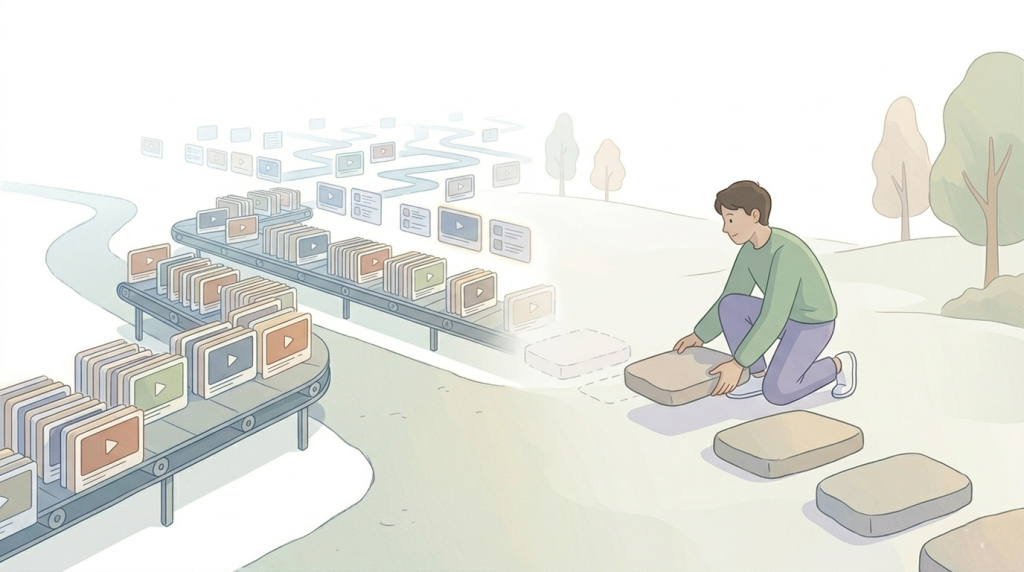
Shorts deserve separate attention because they’re a different problem. Not just a faster version of the same one.
Standard YouTube long-form content has natural endpoints. A video ends. Shorts don’t, in practice, because autoplay cycles you into the next one before the current one finishes. The format is explicitly designed around the variable reward loop that neuroscience identifies as the most addictive behavioral pattern: unpredictable, rapid, with minimal cognitive effort required to continue.
YouTube Shorts now generates 200 billion daily views globally, up from 70 billion in early 2024. Worth sitting with that number for a moment. This isn’t growth driven by users actively seeking more Shorts. It’s growth driven by a feed architecture that makes stopping harder than continuing.
If Shorts is your specific pattern, the friction interventions that work for long-form viewing aren’t quite enough. Consider hiding the Shorts tab on desktop (Settings on YouTube) or using a browser extension that removes the feed while keeping search. The extra friction is disproportionate to the effort of engaging with Shorts, which is the point. If you notice that YouTube Shorts use is affecting your mood, sleep, or ability to focus on slower-paced tasks, that’s worth treating as a mental well-being concern rather than a willpower issue. The format is clinically comparable to other rapid variable-reward patterns in its effect on attention and emotional regulation.
Conclusion
You’re not trying to out-willpower a system that was specifically designed to defeat willpower at scale. That framing shift is what makes the difference between strategies that feel like self-punishment and ones that actually hold. That reframe is also what makes this achievable. You don’t need to become a different person or build extraordinary discipline. You need to change a few conditions. Most people who successfully reduce passive YouTube use don’t report it feeling like a sacrifice; they report it feeling like they got something back. Time, mostly. But also the quiet satisfaction of choosing what you do with an hour rather than discovering afterward that an algorithm chose for you.
The changes in this guide are environmental, not motivational. They work by redesigning the conditions in which passive drift happens, not by demanding that you be more disciplined about something the platform is optimized to undermine.
If you’ve blocked YouTube before and kept switching the block off, that’s not a failure of discipline. Usually the block was at the wrong level, or nothing changed about the conditions around it. Pick the method that matches where you watch, then use the habit changes to make the drift harder to start.
Make the drift harder to start. Make the decision point visible again. That’s it.
If you’re working on building a more intentional relationship with screens more broadly, ComfortZoneCheckin is built around this framing: awareness and gentle friction, not restriction and guilt.
Frequently Asked Questions
On iPhone or iPad, go to Settings → Screen Time → Content & Privacy Restrictions → App Store, Media, Web & Games → Web Content, choose Limit Adult Websites, and add youtube.com under Never Allow. On a Mac, use the same setting under System Settings → Screen Time → Content & Privacy.
No. The website block only affects browsers. To block the app, add an App Limit on YouTube, or delete the app and stop it from being reinstalled.
On a computer, yes. A browser extension like Unhook hides Shorts and recommendations while keeping search. On the phone app it’s harder, so many people use YouTube in the browser instead.
Combine methods. Block it on the router for your home Wi-Fi, and set Screen Time on phones with a passcode someone else holds. Each method on its own has an easy gap.