
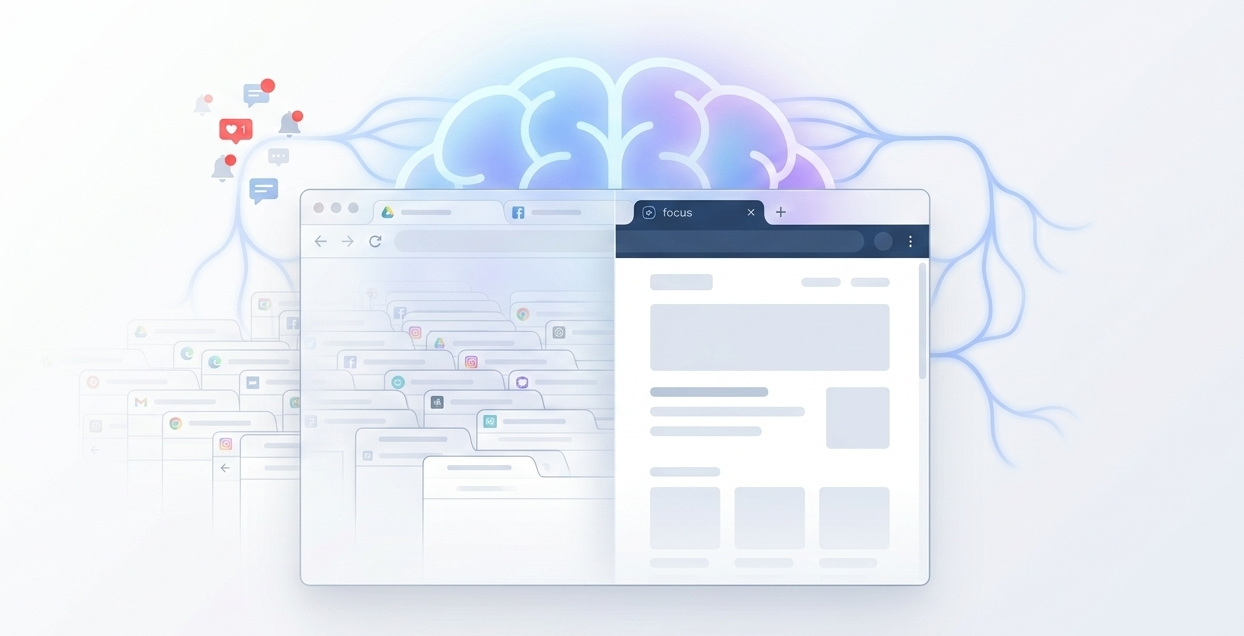
In our fast-paced digital age, where information streams relentlessly from every direction, taking control of our online habits has never been more crucial. Many of us find ourselves overwhelmed, constantly clicking through a maze of tabs, notifications, and never-ending social media feeds. Studies on daily social media usage show how frequently people engage with online platforms, reinforcing how easy it is to fall into this pattern. This digital deluge often leaves us feeling frazzled and unfocused, detracting from what could otherwise be meaningful online experiences. Enter the practice of mindful browsing, a powerful approach designed to transform the way we interact with the internet, bringing clarity and intention back into our digital lives. Research on attention and cognitive load explains how constant digital switching reduces focus and increases mental fatigue.
Mindful browsing isn’t about restricting your internet use or abandoning your favorite websites. Instead, it’s about making conscious decisions about how you spend your time online, enhancing your overall digital well-being and productivity. Imagine browsing the web in a way that aligns with your values and goals, where each click and scroll brings you closer to the content that truly matters. By implementing strategies for mindful browsing, you can embrace the vast potential of the digital realm while keeping your mental health and focus intact. Join us as we explore essential tips and insights to help you elevate your digital experience to new heights.
The Problem Isn’t the Internet, It’s How We Use It
The internet itself isn’t the problem. It’s the habits and behaviors that build up around it. Building a healthier relationship with your browser starts with noticing those patterns. Setting boundaries, like limiting screen time and avoiding mindless scrolling, helps prevent the effects of unfocused browsing and supports better focus over time.
Why Browsers Are Designed to Keep You Clicking
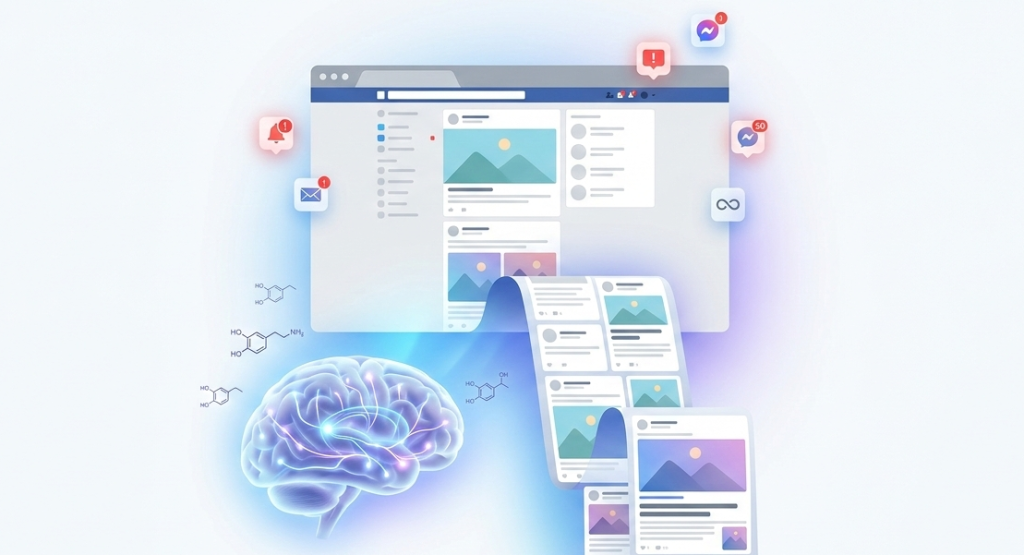
Browsers are built to keep you clicking. Features like infinite feeds, autofill, and personalized recommendations tap into the same variable reward system that keeps behavior repeating, often without you noticing. Understanding this is the first step toward a healthier relationship with your browser, and recognizing your own patterns is the second.
- Too many open tabs:
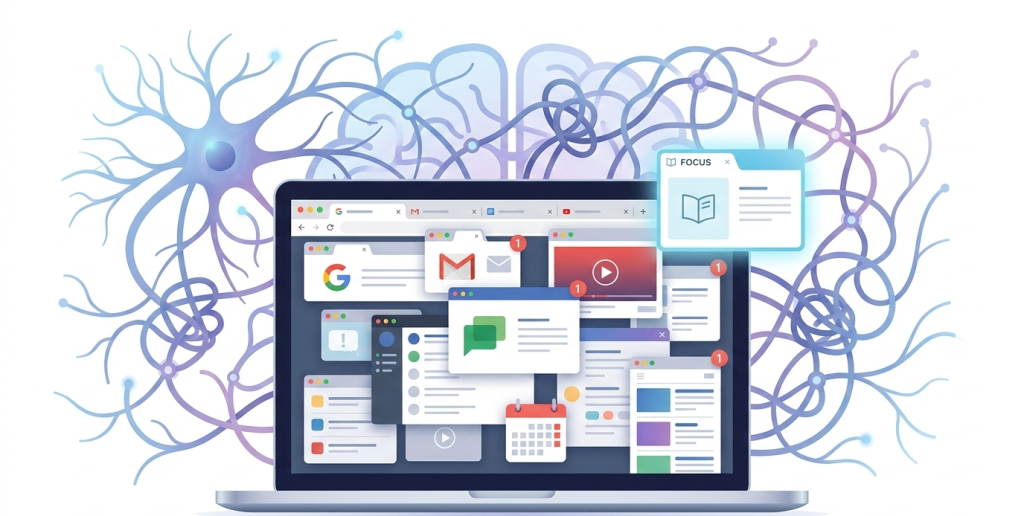
A crowded tab bar isn’t just visual noise; it’s a running list of unfinished decisions your brain keeps tracking. Closing what you don’t need and grouping the rest by task clears space for actual focus, even if “keeping it open just in case” feels productive at first. - Constant tab switching:
Moving between multiple tabs fragments your attention before you’ve fully engaged with any one of them. Each switch costs more than the few seconds it takes, since your brain needs time to reload context every time you come back. Sticking with one task at a time improves both focus and how well you retain what you read. - Feeling drained after “just checking something.”:
If a quick check leaves you more tired than informed, that’s usually a sign of unfocused browsing rather than a productive break. Setting a clear intention before you open a tab, and noticing when you’ve drifted from it, prevents the small energy drain that builds up over a day of aimless clicking.
- Infinite content access:
Unlike a book or a TV episode, the web rarely ends. Research on digital reward pathways shows how repeated exposure to novel content strengthens automatic engagement. Feeds auto-load more; platforms recommend the next video before you’ve finished the last one. Without a stopping cue, your brain stays in the loop and never feels complete, which makes it harder to disengage.
- Notifications & auto-refresh feeds:
Even with a clear task in mind, alerts pull you sideways: a new email, a message preview, a headline. Each one interrupts your working memory and forces a context switch. Research from Stanford on multitasking shows frequent switching reduces efficiency and increases cognitive strain, and it’s the recovery time afterward, not just the interruption, that costs you the most.
- Low friction between intention and distraction:
Distraction happens fast. One click opens another tab, one search suggestion leads somewhere unrelated. Bookmarks, history, and autofill all exist to remove friction, which is convenient until everything becomes instant. Harvard Business Review’s research on attention explains how digital environments are built for engagement, not focus, which is exactly why discipline here has to be deliberate.
Step 1: Create Intentional Entry Points
If distraction is frictionless, intention has to be structured instead.
- Open your browser with a purpose:
Before clicking the icon, pause and ask what outcome you actually want and how long it should take. Even a quick mental note, “research for 30 minutes,” shifts browsing from impulse to task and helps protect your mental focus before the session even starts. - Use a minimal homepage:
A homepage full of trending stories or email previews starts you off distracted. Swap it for a blank page, a plain search engine, or a task dashboard. Fewer visual triggers means fewer unnecessary decisions. - Start with only one active task tab:
Every open tab is a quiet demand on your attention, even the ones you’re not looking at. Open only what you need, finish it, close it, then move to the next. That sequence creates real psychological closure instead of a pile of half-finished tabs.
Step 2: Reduce Visual Clutter
Clutter isn’t just visual, it adds to your cognitive load.
- Close unused tabs daily:
Most “I might need this later” tabs never get revisited. End each day by bookmarking what matters and closing the rest. - Use bookmarks instead of tab hoarding:
Tabs are for active work, bookmarks are for later. Sorting them into folders like Work, Learning, and Personal cuts down on impulsive reopening. - Limit extensions to essentials:
Toolbars, badges, and pop-ups each pull a little attention. Keep only the ones that clearly support your work.
Step 3: Build “Focus Rituals” Around Browsing
Rituals cut down on decision fatigue. When focus becomes automatic, willpower matters less. Research on decision fatigue and willpower shows structured routines reduce cognitive strain and improve consistency.
- Time-block deep work sessions:
Try 45–60 minutes of focused browsing followed by a 5–10 minute break, with only task-related tabs allowed and no social or inbox checks during the session. Knowing a break is coming reduces the urge to escape early. - Mute non-essential notifications:
Most alerts aren’t urgent, they just feel immediate. Turn off social badges, non-critical email pop-ups, and news alerts, and check them at set times instead. If you’re on iPhone, what Focus mode actually does is worth understanding before you rely on it to filter these out. - Use short breaks intentionally:
If breaks default to scrolling, they reinforce the same cycle they’re meant to interrupt. Harvard Health research on relaxation techniques shows brief breathing exercises can regulate stress and improve focus. Try standing, stretching, a short walk, or a glass of water instead, breaks should restore energy, not scatter it further.
Step 4: Set Healthy Digital Boundaries
Boundaries change habits.
- Define work versus leisure browsing:
Blurring the two keeps your attention split. Separate browser profiles, different devices if possible, or set hours for casual browsing all help your brain engage more fully with whichever mode you’re in. - Log out of distracting accounts during work:
Staying logged in makes distraction one click away. Logging out adds a small pause, and that pause is often enough to reconsider. - Create screen-free windows daily:
Even 30–60 minutes without a screen reduces overstimulation, improves sleep, and restores mental clarity. The goal isn’t to eliminate your browser, it’s to balance it.
Reframing Your Browser as a Tool, Not a Default Escape
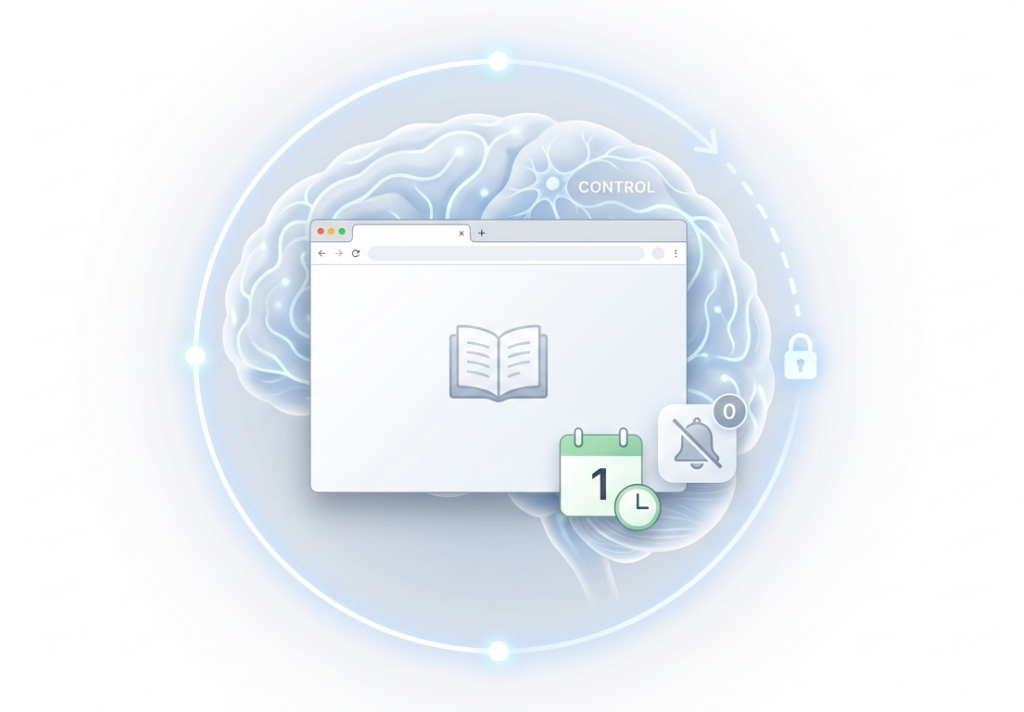
Your browser isn’t the problem. Automatic behavior is.
- From passive consumption to active use:
Passive use is reactive; active use is intentional. Knowing what you’re looking for, why it matters, and when you’ll stop shifts you from consuming to creating. - Ask “why am I opening this?”:
The question interrupts autopilot. Sometimes the answer is valid. Sometimes it’s boredom, avoidance, or habit, the kind of unconscious loop behind being chronically online, and just noticing which one it is reduces unconscious behavior. - Design your environment for clarity:
A cleaner homepage, fewer tabs, and muted notifications are small adjustments, but they compound into stronger attention control over weeks and months.
Conclusion: Small Changes, Better Digital Control
Your browser isn’t inherently distracting; it amplifies whatever habits you bring to it. Enter without clarity, and it scatters your attention. Enter with intention, and it becomes one of the most useful tools you have for learning and getting real work done.
You don’t need to uninstall every app or attempt a dramatic digital detox to see the difference. What creates lasting change is smaller and steadier, and it doesn’t rely on staying disciplined through willpower alone: opening your browser with a clear purpose, keeping fewer tabs open, muting what doesn’t need your attention, and drawing a real line between focused work and casual browsing.