

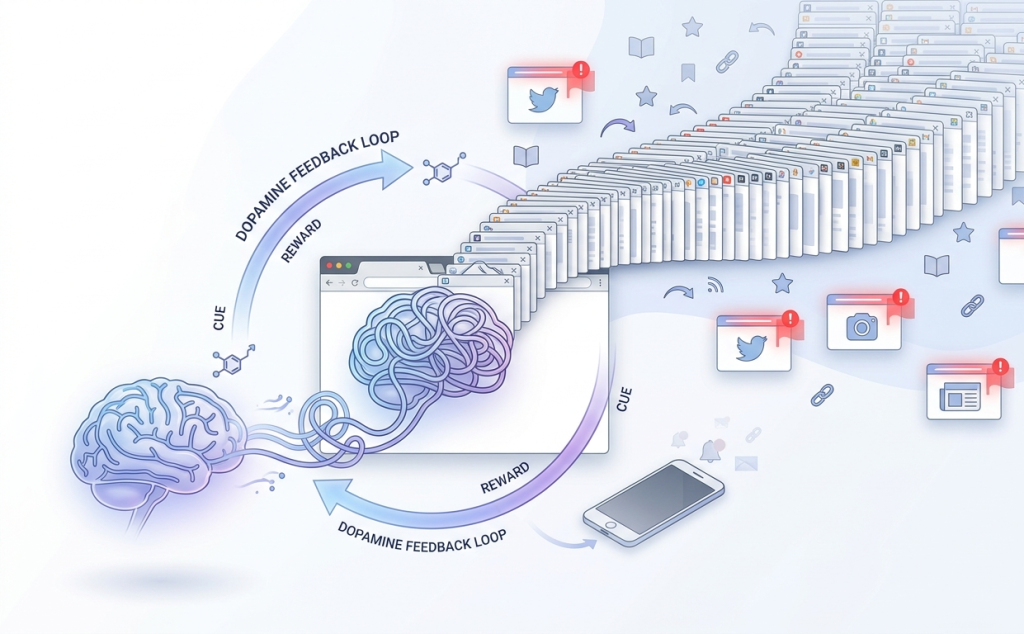
If your browser looks like a crowded highway of tiny, unreadable tabs, you’re not alone. Most of us start with just one or two tabs, an article, an email, maybe a quick search. But within minutes, that number quietly multiplies. Before you know it, you’re juggling 20, 30, or even 50 tabs at once.
This habit feels harmless at first. After all, each tab represents something useful, an idea, a task, or something you intend to revisit. But over time, this “tab hoarding” becomes overwhelming.
How tab clutter impacts focus and productivity
Too many tabs don’t just slow down your browser—they slow down your thinking. When your screen is filled with unfinished tasks, your brain stays in a constant state of low-level stress. It becomes harder to focus on one thing because everything else is still “open” in the background.
You may find yourself jumping between tabs without finishing anything meaningful. This constant switching reduces productivity, the impact of multitasking on productivity increases decision fatigue, and makes even simple tasks feel mentally exhausting. Task switching reduces efficiency.
Why browser extensions can help solve this habit
The good news is that you don’t have to rely on willpower alone. Browser extensions are designed to interrupt these patterns and give you better control over how you manage tabs. Whether it’s limiting how many tabs you open, organizing them into structured workflows, or automatically cleaning up unused ones, the right tools can completely change how you browse, tools that reduce digital distractions.
Why We Keep Opening Too Many Tabs
The “I’ll check this later” habit
One of the biggest reasons we open too many tabs is the intention to come back to something later. Instead of bookmarking or saving content properly, we leave tabs open as reminders. It feels like a quick and easy solution—but it creates clutter fast.
Fear of losing useful information
There’s also a subtle fear behind this habit. Closing a tab can feel like losing something important. What if you can’t find that article again? What if you forget that idea? So instead of making a decision, we keep everything open “just in case.” Why do we avoid closing tabs?
Constant multitasking and distraction loops
Modern browsing encourages multitasking. You might start researching one topic, get distracted by a related link, then open a video, then check social media—all within minutes. Each distraction adds another tab, and the cycle continues.
What to Look for in a Tab Management Extension
Tab limiting and blocking capabilities
Some extensions help by setting boundaries. They can limit how many tabs you open or block certain websites after a point. This is especially useful if you tend to spiral into endless browsing sessions while researching leisure travel or comparing curated Kashmir tour packages for an upcoming holiday. This is especially useful if you tend to spiral into endless browsing sessions.
Organization features like groups or sessions
If your work involves multiple tasks or projects, organization is key. Extensions that allow you to group tabs into sessions or categories make it easier to switch contexts without losing track.
Automatic tab suspension or cleanup
Another helpful feature is automation. Some tools automatically close or suspend tabs that haven’t been used in a while, reflecting how AI business solutions and automation software automate repetitive tasks to improve efficiency, reduce manual effort, and create more streamlined workflows.
Ease of use and minimal setup
The best extension is the one you’ll actually use. Look for tools that are simple, intuitive, and don’t require complicated setups. A clean interface can make a big difference.
OneTab – Turn All Tabs Into a Simple List
How it helps reduce tab clutter
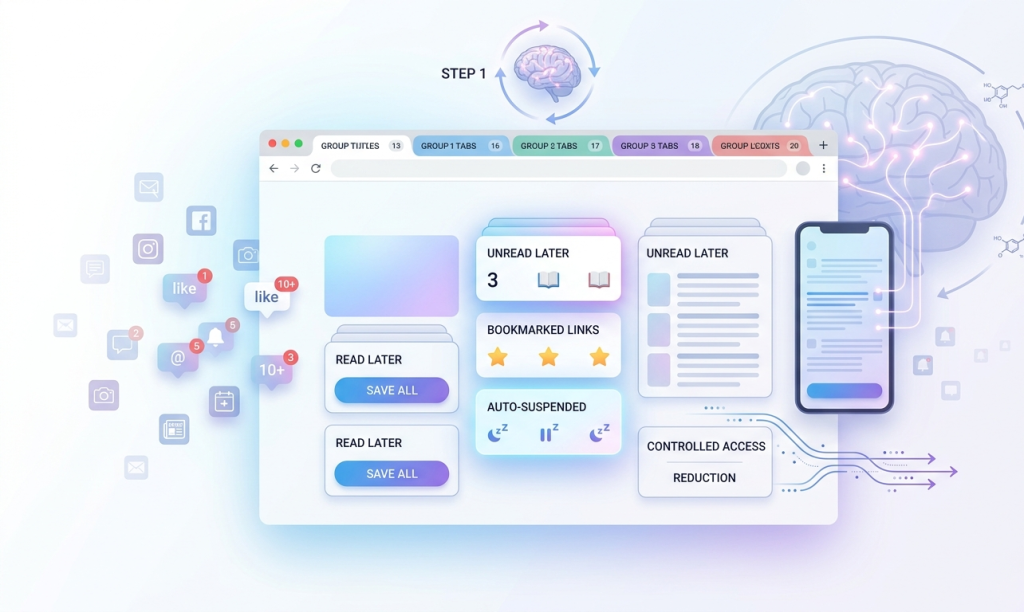
OneTab is one of the simplest and most effective tools for managing tab overload. With a single click, it converts all your open tabs into a clean, organized list. Instead of dozens of tabs taking up space, you get one tab with everything neatly stored.
Key features and benefits
This approach not only reduces visual clutter but also frees up system memory, making your browser faster. You can restore tabs individually or all at once whenever needed.
Who should use it
OneTab is perfect for people who tend to keep tabs open “just in case.” If you struggle to close tabs but don’t necessarily need them active, this tool is a great starting point.
StayFocusd – Control and Limit Tab Usage
How it restricts distracting browsing behavior
StayFocusd takes a more disciplined approach. Instead of organizing tabs, it helps you limit access to distracting websites. Once you hit your daily limit, those sites become inaccessible.
Key features and customization options
You can customize how much time you’re allowed to spend on specific sites, block entire categories, or even activate a “nuclear mode” that blocks everything except essential pages.
Who should use it
This extension is ideal for people who struggle with self-control while browsing. If your tab problem is driven by distractions rather than organization, StayFocusd can help break that cycle.
Workona – Organize Tabs by Workspaces
How it structures tabs into projects
Workona is designed for professionals who manage multiple tasks or projects at once. It allows you to group tabs into dedicated workspaces, making it easier to stay organized.
Key features and workflow benefits
You can save sessions, switch between projects instantly, and even sync your workspaces across devices. This creates a structured workflow that reduces the need to keep everything open at once.
Who should use it
If you’re a freelancer, student, or professional juggling multiple responsibilities, Workona provides a more systematic way to manage tabs without feeling overwhelmed.
Tab Wrangler – Automatically Close Unused Tabs
How it manages inactive tabs
Tab Wrangler works quietly in the background, automatically closing tabs that haven’t been used for a certain period. It helps prevent buildup without requiring manual intervention.
Key features and automation settings
You can customize how long a tab stays open before being closed and create exceptions for important pages. Closed tabs are saved, so you can restore them if needed.
Who should use it
This tool is great for people who forget to close tabs. If your browser fills up gradually throughout the day, Tab Wrangler keeps things under control automatically.
Toby – Save and Organize Tabs Visually
How it replaces your new tab page
Toby transforms your new tab page into a visual dashboard where you can organize and store tabs in collections. Instead of leaving tabs open, you can save them in structured layouts.
Key features and visual organization
With drag-and-drop functionality and clean design, Toby makes it easy to categorize and access your saved content. It’s especially useful for planning and research.
Who should use it
If you prefer a more visual and organized approach, Toby is a great option. It works well for creatives, planners, and anyone who likes structured workflows.
Simple Habits to Reduce Tab Overload
Setting a personal tab limit
Try setting a rule for yourself, like never having more than 10–15 tabs open at once. This forces you to prioritize and make decisions instead of postponing them.
Using read-later tools instead of tabs
Instead of keeping tabs open, use read-later apps or bookmarks. This keeps your browser clean while ensuring you don’t lose important content.
Closing tabs after completing tasks
Make it a habit to close tabs immediately after you’re done with them. This simple action prevents buildup over time.
Doing a daily tab reset
At the end of each day, take a few minutes to close or organize your tabs. Starting fresh each day can significantly improve focus and clarity.
Conclusion
Extensions can make a big difference, but they work best when combined with mindful browsing habits. The goal isn’t just to manage tabs, it’s to change how you interact with them. You don’t need to use all the tools at once. Start with one extension that fits your biggest problem, whether it’s clutter, distraction, or disorganization. Tools like the Comfort Zone Check-in can also help you stay aware of your habits and maintain focus while browsing. A clean browser leads to a clearer mind. With fewer tabs, you’ll find it easier to focus, make decisions, and get meaningful work done.
FAQs
Most popular extensions are safe, especially those with good reviews and large user bases. Always check permissions before installing.
In most cases, they actually improve performance by reducing memory usage and background activity.
Some extensions, like workspace-based tools, offer syncing features that let you access your tabs from multiple devices.
If you’re just starting out, simple tools that reduce clutter without complexity are the best choice. They’re easy to use and require minimal setup.