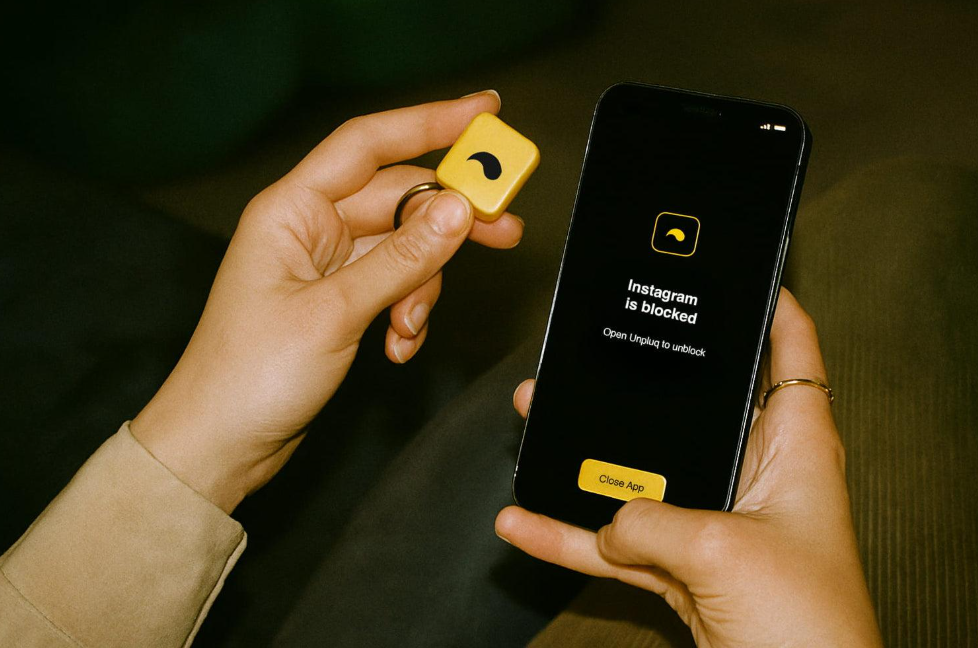

One Sec and Freedom take very different approaches to the same problem: too much time lost to apps you didn’t mean to open. One Sec adds a brief pause before you open a distracting app, giving you a moment to reconsider. Freedom blocks specific apps and sites outright for a set period, with no way around it until the session ends.
This comparison is for anyone deciding between the two, whether you’re a student trying to stay focused while studying, a remote worker protecting deep-work hours, or just someone who wants a healthier relationship with their phone. The right choice usually comes down to one question: do you want a nudge, or a lock?
Quick Snapshot: One Sec vs Freedom
- Best for impulse control: One Sec’s quick pause helps you catch yourself before opening an app out of habit.
- Best for strict blocking: Freedom’s hard lock is built for people who need distractions removed entirely, not just slowed down.
- Best for students: One Sec offers gentle nudges during study sessions; Freedom blocks tempting apps completely so there’s nothing to negotiate with.
- Best for remote workers: Either can work depending on your style. One Sec keeps a light touch through the day, while Freedom carves out fully uninterrupted blocks.
The right pick usually comes down to whether you want a quick check-in before a distraction, or a wall in front of it entirely. If you’re weighing more than these two, this roundup of digital wellbeing apps covers a few more options.
What Is One Sec?
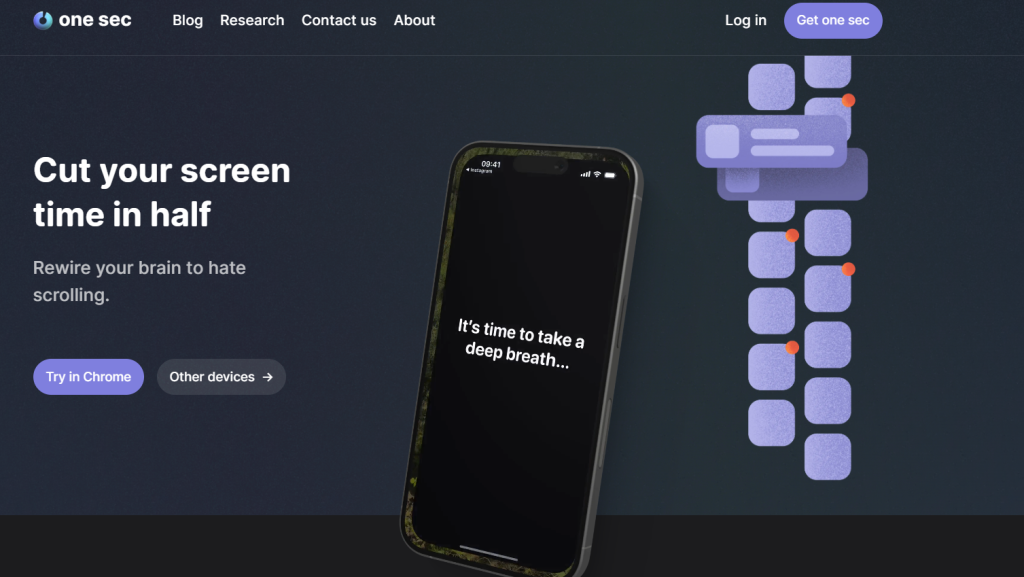
One Sec’s core idea is a pause: before an app you’ve flagged opens, it inserts a few second delay, a short breathing exercise or similar micro-interruption, instead of blocking anything outright. The goal isn’t friction for its own sake, it’s a deliberate beat long enough to ask “do I actually want to open this?” before your thumb answers for you, similar in spirit to a dopamine reset that interrupts an automatic reward loop rather than blocking it outright.
That small interruption adds up. A peer-reviewed study run with Heidelberg University and the Max Planck Institute found that One Sec’s approach cut how often people opened their targeted apps by 57% on average over six weeks, evidence that a few seconds of friction can meaningfully change habitual behavior, not just interrupt it once.
One Sec’s biggest strength is its simplicity: it doesn’t try to lock anything down, just to insert a moment of awareness. Its biggest limitation is the same thing, since it relies on that pause actually landing, some people find it easy to tap through without registering it.
What Is Freedom?
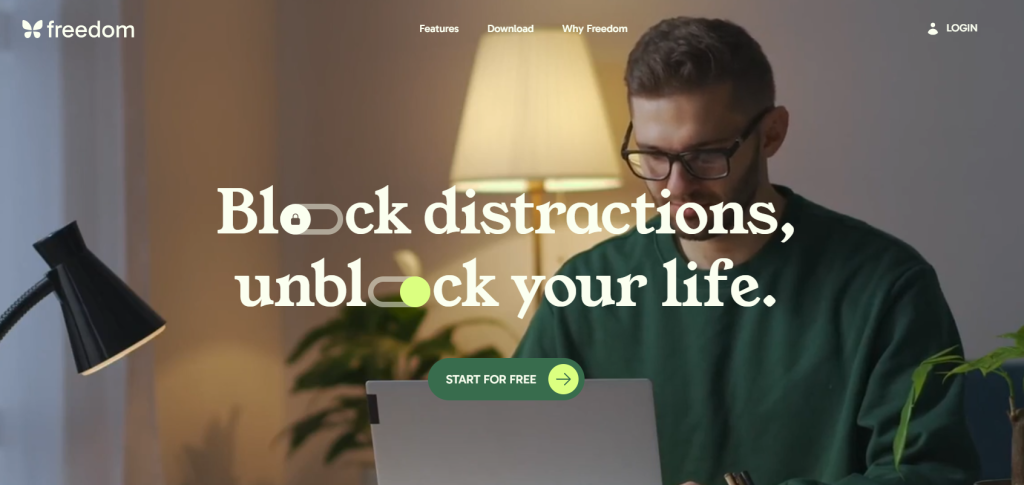
Freedom’s core concept is the opposite of a pause: it blocks specific apps and websites across all your devices for a scheduled window, with no easy way to override it once a session starts. You set the schedule, and the screen blocking holds until it ends.
Its standout feature is focus session scheduling, letting you set recurring blocks (say, weekday mornings) so distracting apps are simply unavailable during your deep-work hours, no daily decision required. The tradeoff is that Freedom’s effectiveness still depends on you choosing to start a session in the first place, and some users find ways around it if they’re determined enough.
Feature Comparison
- Blocking level:
One Sec offers a soft pause rather than a hard lock; you can always push through it if you choose to. Freedom’s screen blocking holds firm for the entire session, with no override once it starts. - Cross-device support:
Both apps sync across your devices, so the same rules follow you from phone to laptop. - Customization:
Both offer extensive settings for which apps and sites to target and when. - Ease of bypassing:
One Sec is harder to bypass in practice, since there’s no lock to work around, just a pause you either heed or don’t. Freedom’s strict lock is more absolute in principle, but some tech-savvy users still find workarounds.
Pricing:
One Sec is free for one app, with paid tiers for more. Freedom runs $39.99/year and is used by over 2.5 million people, according to its own listings.
Pros of One Sec:
Simple to set up, low learning curve, works well for people who just need a moment of pause rather than a full lock.
Cons of One Sec:
Limited customization compared to some alternatives; the free version only covers one app.
Pros of Freedom:
A genuinely distraction-free window when you need one, with schedules that repeat automatically once set.
Cons of Freedom:
Can feel too rigid for people who need occasional legitimate access to a blocked app or site during a session.
Which One Should You Choose?
- Step 1: Identify your trigger:
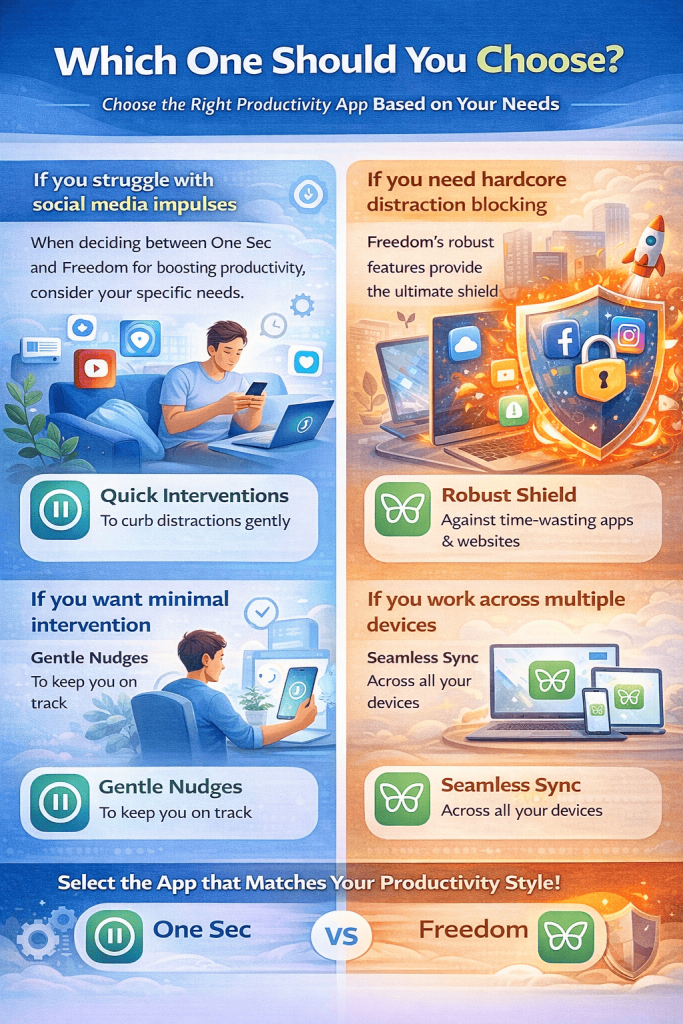
If you struggle with social media impulses, the problem usually isn’t a lack of willpower; it’s that opening the app has become automatic. One Sec’s pause targets exactly that gap between reaching for your phone and actually deciding to use it, which is often enough to interrupt a doomscrolling loop before it starts, the same reflexive checking behind being chronically online. If you want an extra layer, setting a time limit on specific apps works as a doomscroll emergency brake. One Sec pulls you out after a set number of minutes even if the initial pause didn’t stop you. - Step 2: Choose your friction level:
If you need hardcore distraction blocking, with no negotiation once a session starts, Freedom’s strict lock is the better fit. If you’d rather have a lighter touch that still lets you make the final call, One Sec’s gentle nudges keep you in control without shutting anything down. - Step 3: Check your device setup:
If you work across multiple devices and need the same rules to follow you everywhere, Freedom’s cross-platform sync keeps a session consistent across your phone, laptop, and desktop.
Conclusion
Best for habit-building: One Sec’s focus on small, repeated interruptions makes it a good fit if you’re trying to build a new pattern gradually, the same structure-over-willpower approach behind staying disciplined without relying on willpower, rather than force one overnight.
Best for strict productivity: Freedom fits better if you already know exactly when you need distractions gone and just want that enforced automatically.
Can you use both together?: Yes, and a lot of people do. One Sec handles the moment-to-moment impulse control, while Freedom locks down dedicated focus blocks, together they cover both the small daily habit and the bigger scheduled sessions.
Whichever you choose, or if you use both, the goal is the same: fewer apps opening on autopilot, and more time spent doing what you actually meant to do.
Frequently Asked Questions
One Sec adds a pause before you open an app. Freedom blocks apps and sites outright for a scheduled window.
One Sec suits people who just need a moment to reconsider. Freedom suits people who need distractions removed entirely during set hours.
Yes, they solve different problems and work well combined.
Yes, both support cross-device use.
Both provide some insight into your habits: One Sec via app-open frequency, Freedom via session history.