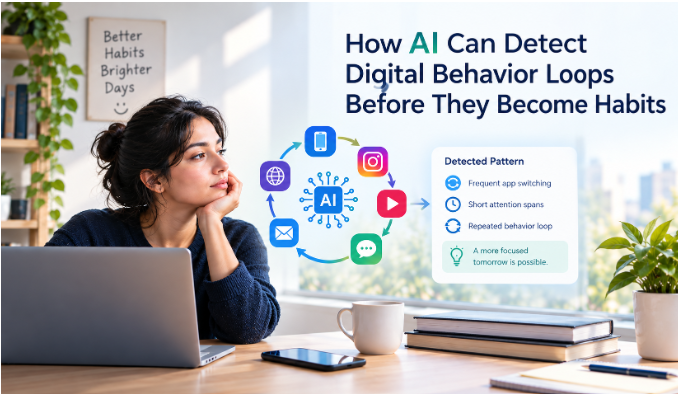
In a world where scrolling through Instagram and TikTok has become second nature, most people don’t decide to open the app, they just find themselves already in it. That’s unconscious scrolling: the moment “I’ll check for two minutes” turns into forty without a single conscious decision along the way.
A social media blocker app is built specifically for that gap. Distraction blocking software works by stepping in before the scroll starts, not after, closing the app off entirely rather than trusting you to close it yourself once you’re already three reels deep. Screen Time limits and app timers live on the same phone you’re trying to escape, which is exactly why they’re so easy to override in a weak moment.
The goal isn’t zero access or a total lockdown; it’s finding the middle ground between unlimited access and strict restriction that actually holds.
If you want the deeper research behind why willpower alone tends to lose this fight, an HBR piece on conquering digital distraction covers it well. Here are the seven tools we’d actually recommend, ranked roughly from most fully-featured to most minimal
Need to break free from endless social media scrolling? Look no further! Explore these top social media blockers to regain control over your Instagram and TikTok usage. Install these tools to effectively interrupt mindless scrolling sessions and boost your productivity.
Take charge of your online habits with these innovative apps designed to limit your time spent on social media posting platform. Say goodbye to endless scrolling and hello to a more intentional online experience. By incorporating these tools into your daily routine, you can curb your social media usage and make room for more meaningful activities. Embrace a healthier relationship with social media today with these game-changing applications.
Opal – Blocks Instagram and TikTok during specific hours
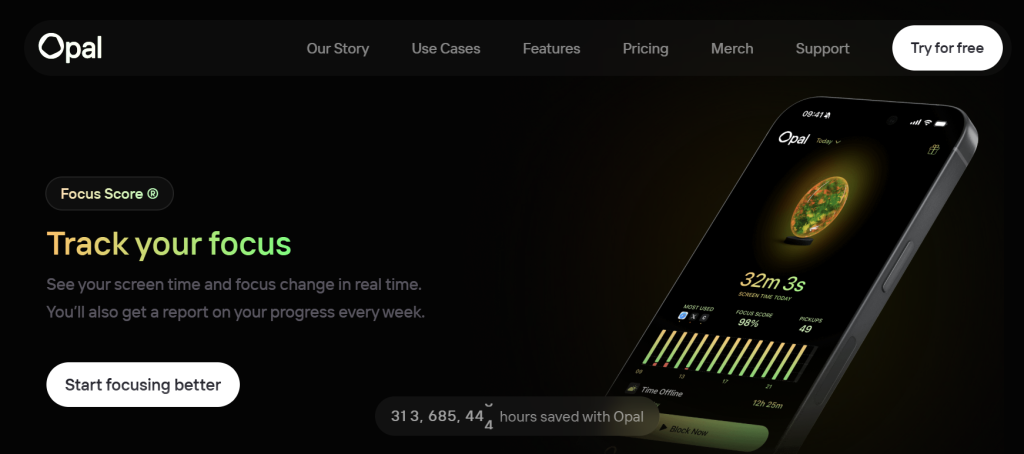
Opal blocks Instagram and TikTok during specific hours you set, using smart notification management so you’re not buried in alerts the moment a session ends. Beyond app-level blocking, Opal also handles keyword-based website blocking, catching a doomscrolling session that starts on a browser instead of an app, filtering by topic rather than just by URL. Its screen time journaling feature adds a daily reflection prompt, a quick log of what pulled your attention and when, turning blocking from pure restriction into data you can use to set smarter schedules. It runs on subscription, with its strictest features behind the paid tier.
Best for: People who want blocking and self-awareness in the same tool, and don’t mind paying for it.
Stay Focused – Sets daily limits, locks access once you hit them
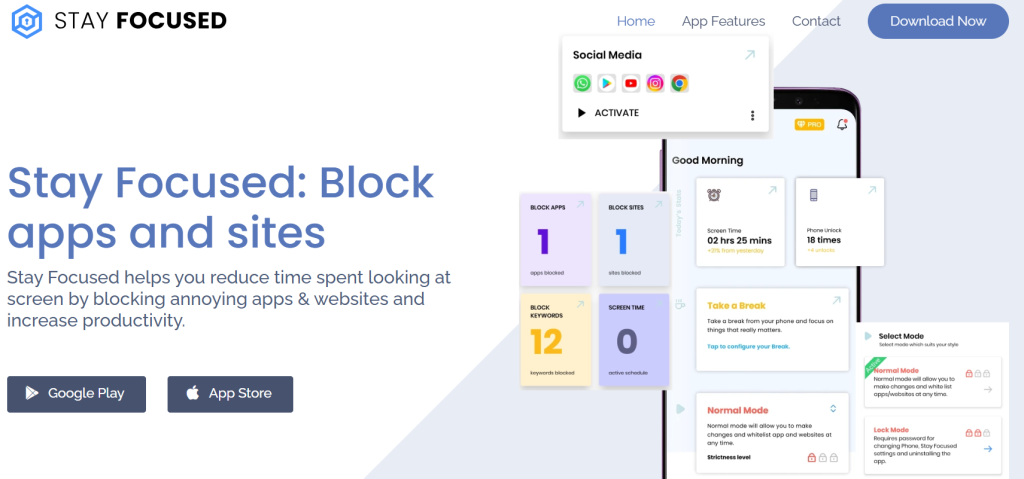
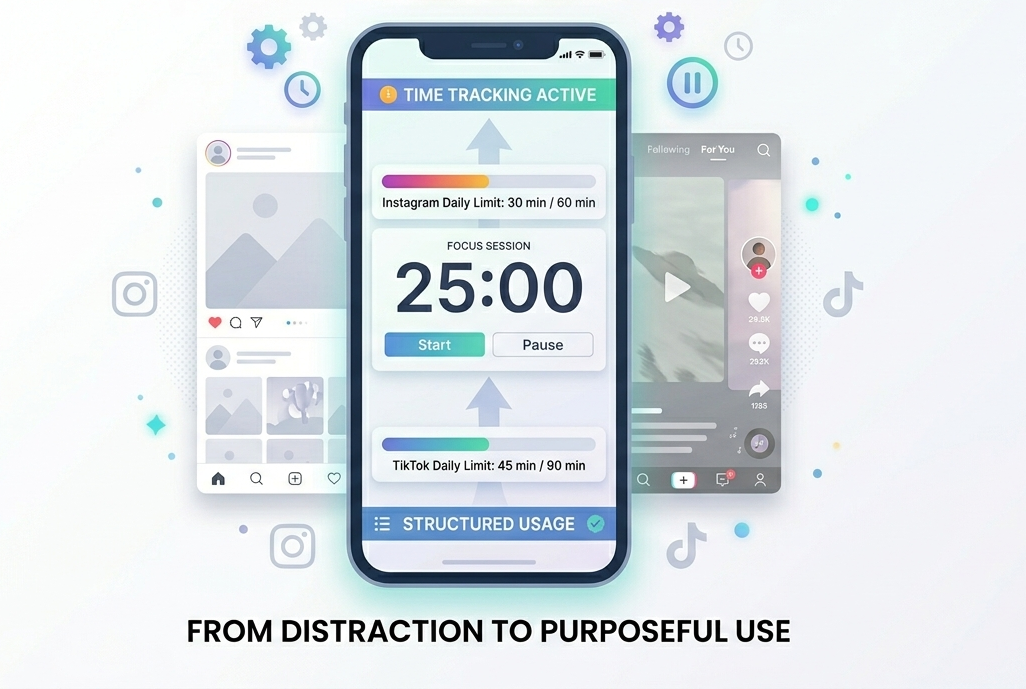
Stay Focused sets daily limits on Instagram and TikTok specifically, rather than locking down your whole phone, a sustainable middle ground between doing nothing and deleting every app. Once you hit your limit, access locks for the rest of the day, no easy override. Its temporary unblock timers are the antidote to overriding limits too easily: if you genuinely need access, you can request extra time, but there’s a short wait built in first, enough friction to interrupt the reflex without a full lockout. This single app restriction approach means everything else on your phone stays exactly as it was.
Best for: People who want a hard daily ceiling on specific apps without touching anything else.
ActivityWatch – Tracks total time across every app
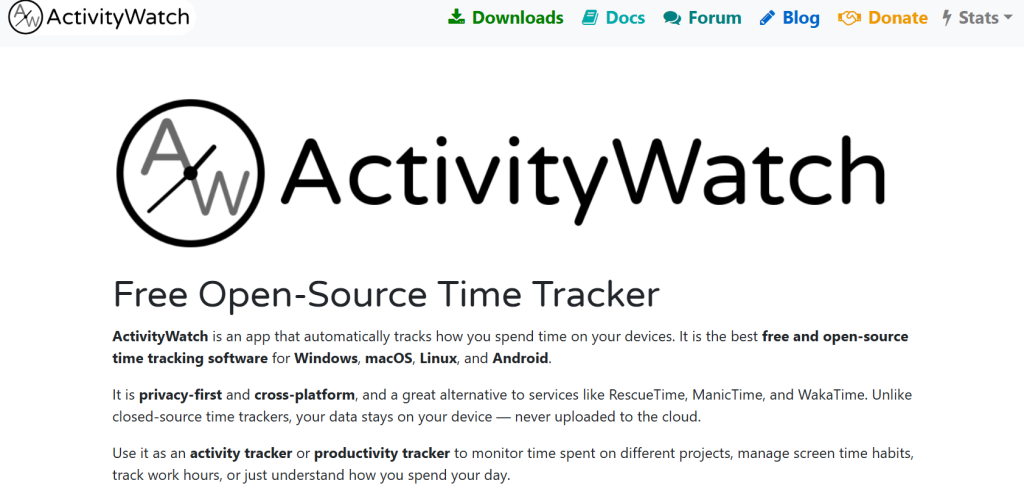
ActivityWatch tracks total time spent across every app on your phone, not just Instagram and TikTok, giving a detailed breakdown of exactly where your day went. Unlike the other tools here, it doesn’t block anything by default; it’s a data layer you pair with a blocker once you know what you’re up against. That data-first approach is useful beyond scheduling, too: understanding where your attention actually goes connects directly to research on multitasking, worth a look if you’re constantly toggling between apps rather than sticking with one. It’s free and open-source, the cheapest way to start.
Best for: People who want the real numbers before choosing where to put a hard block.
Forest – Turns focus into a game, built for Pomodoro sessions
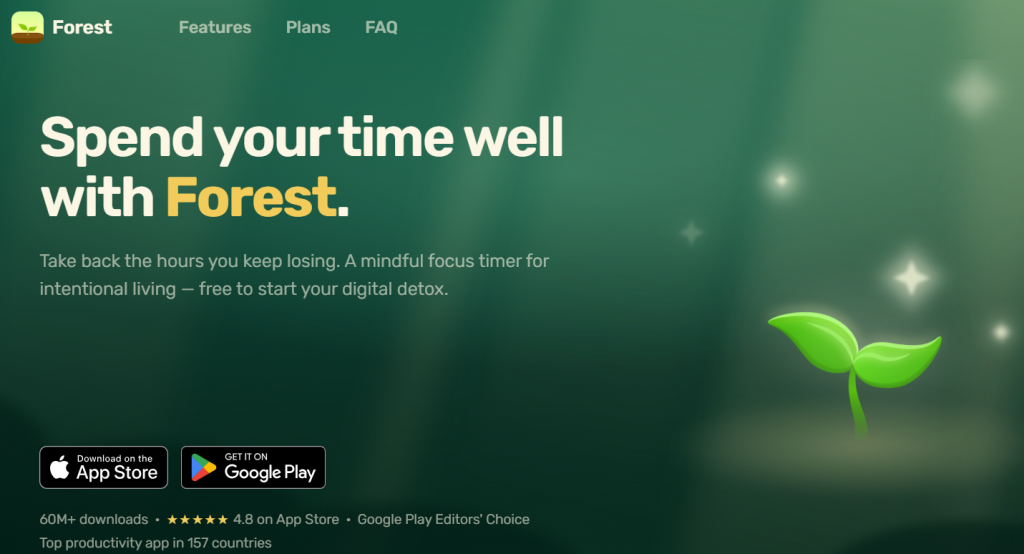
Forest takes a different approach entirely: instead of blocking anything, it asks you to make a small commitment. Start a session, and a virtual tree grows on your screen. Leave before time’s up, and it dies. It’s built around Pomodoro work blocks: a 25-minute session pairs naturally with a short break after, and Forest’s timer maps directly onto that rhythm. Because there’s no hard lockout, it pairs well with ScreenZen’s temporary unblock timers: use Forest for the focused stretch, and let the other tool’s short, deliberate pause handle the five-minute break, rather than leaving it unstructured.
Best for: Students and anyone doing Pomodoro-style work who wants a visual reason to stay off their phone.
Unpluq – A physical phone blocker with an NFC tag
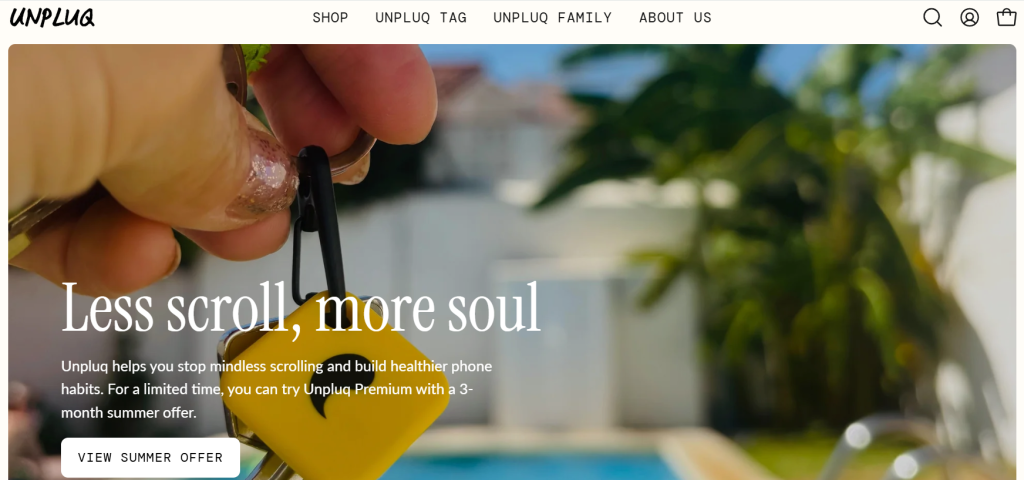
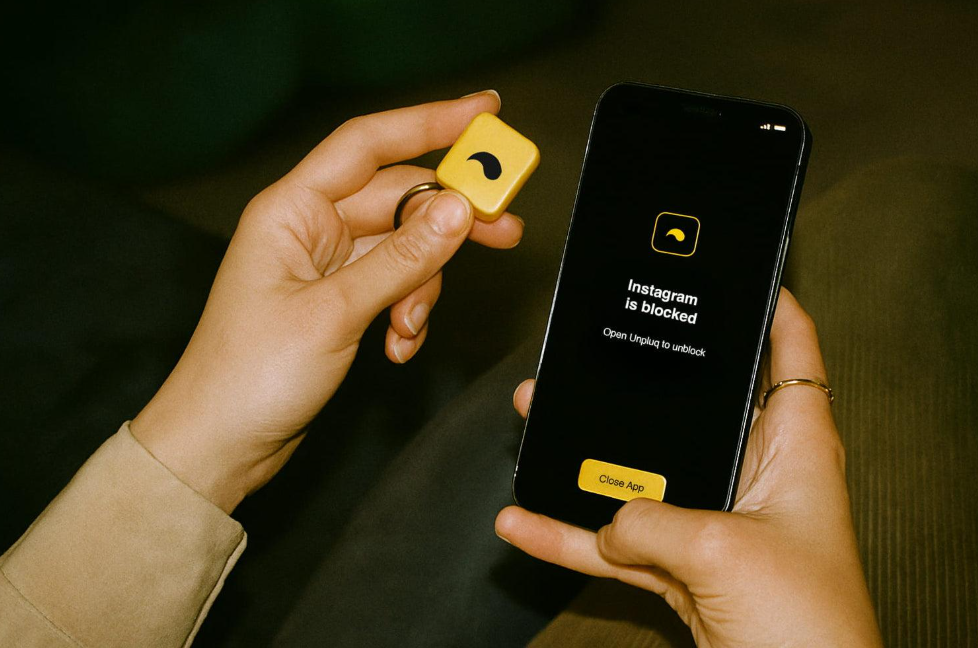
Unpluq is the physical phone blocker on this list: a small NFC tag, about the size of a large coin, that clips to your keychain. You choose which apps require a tap of the tag to open; once locked, opening a blocked app means physically retrieving the tag first, not tapping “ignore limit” on the same screen you’re trying to get off of. Keep the tag somewhere deliberately inconvenient, at home while you’re at work, and unlocking a blocked app stops being a one-tap decision. Worth knowing: Unpluq’s blocking works best on Android, where the app can fully intercept blocked launches; on iPhone, iOS’s restrictions on third-party apps limit enforcement, so iPhone users wanting comparable physical friction may get more reliable results from Brick instead.
Best for: Android users who consistently override software-only blockers and need a physical object standing between them and the app.
Key Features: From Scheduled Blocking to Physical Phone Blockers
A few features are worth knowing by name, since they show up across several of these tools in slightly different forms:
- Physical phone blockers: hardware like Unpluq or Brick moves the friction outside the phone entirely, useful if software-only limits haven’t held up.
- Scheduled blocking: set specific times when social media apps become inaccessible, work hours, bedtime, whatever window is actually the problem. The core mechanism behind Freedom, Opal, and Stay Focused alike.
- Location-based blocking (geofencing): some tools trigger a block automatically based on where you are, turning on the moment you arrive at your office and lifting when you leave.
- Keyword-based website blocking: filters by topic rather than a fixed URL list, catching a browser-based doomscrolling session even on a site that isn’t explicitly blocked.
- Temporary unblock timers: a short, deliberate wait before a blocked app reopens, enough friction to interrupt an impulse without permanently locking you out for a real need.
Conclusion
A social media blocker app can be incredibly effective at reducing unconscious scrolling, but the right one depends on what’s actually breaking down for you. Need cross-device coverage? Freedom’s scheduled blocking is built for that. Just one or two problem apps? Stay Focused or ScreenZen’s single app restriction is a lighter lift. Software alone hasn’t held? Unpluq’s physical friction is the next step up. And if you’d rather replace the habit than just block it, tools that replace scrolling with learning are worth a look too. Start with whichever matches your actual pattern, not whichever sounds the most extreme.