

The market for focus apps is crowded, and most promise the same thing: better concentration, less distraction, more done. But not all of them deliver. Some of the most popular tools for regaining focus can quietly work against you, treating symptoms instead of habits, or adding just enough friction to feel productive without changing anything real. If you’re weighing options beyond these five, this roundup of digital wellbeing apps covers more of the landscape. Here’s an honest look at where each one helps, where it backfires, and what to do instead.
Why Focus Apps Sometimes Backfire
When it comes to productivity apps, it’s essential to understand why they sometimes backfire.
- They treat symptoms, not habits: Most of these apps offer short-term help concentrating without addressing the underlying behavioral patterns that caused the distraction in the first place.
- Too much control leads to rebellion: When an app exerts too much control over your schedule, it can backfire: people resist rigid structure, and productivity drops rather than improves.
- Tracking isn’t the same as deep work: Monitoring how you spend time doesn’t guarantee you’re spending it well. Real productivity depends on the quality of the work, not just how closely it’s measured.
1. Forest – When Gamification Becomes the Distraction
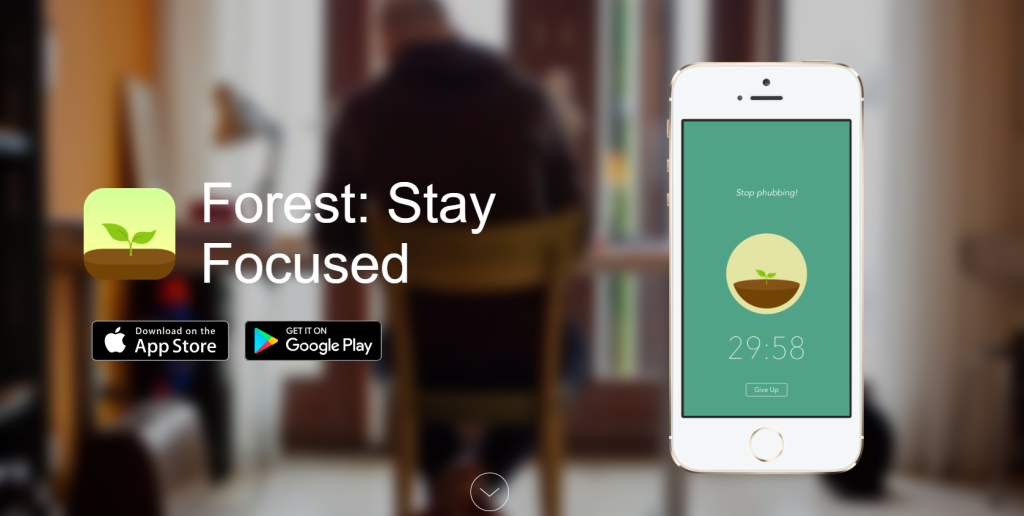
Forest, a popular productivity app, has caught the attention of many users due to its unique gamification approach.
The appeal: Growing a virtual tree while you focus, and watching it die if you leave the app, is a simple, satisfying mechanic.
The issue: Checking on your tree’s progress can itself interrupt the flow it’s meant to protect, turning a focus tool into one more thing pulling your attention.
Who it still works well for: Visual learners and anyone motivated by tangible, gamified progress tend to get real value from Forest despite the drawback. It’s a one-time purchase (a few dollars on iOS, free with an optional paid tier on Android), so the cost of trying it is low.
2. ScreenZen – When Friction Isn’t Strong Enough
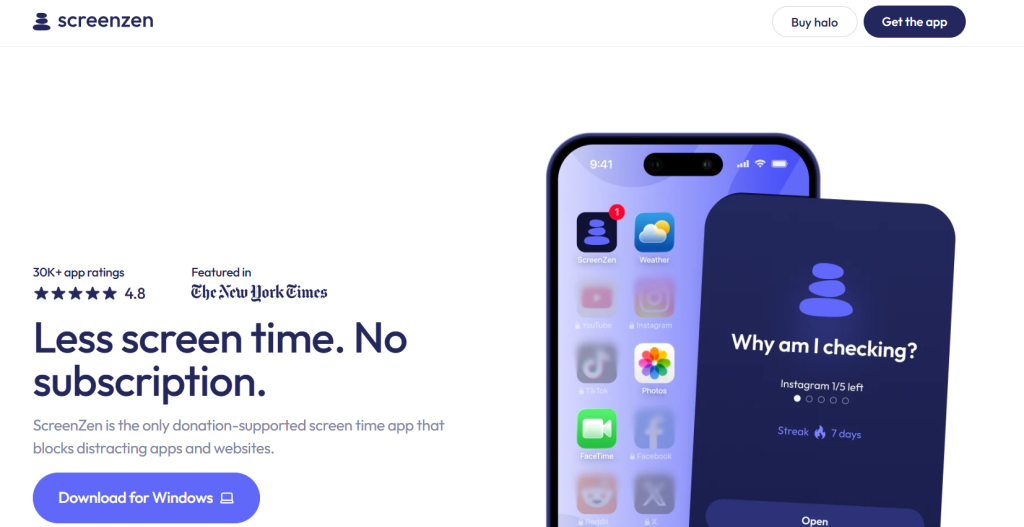
The appeal: A brief pause before opening an app, meant to make usage more intentional.
The issue: That pause is easy to tap through without registering it, which can quietly undo the whole point. If a pause-based approach appeals to you, it’s worth seeing how One Sec compares to Freedom on exactly this tradeoff between friction and hard blocking.
Best use case: People consciously working to notice their own app-opening patterns, rather than those who need a hard stop.
3. Freedom – When Blocking Feels Too Extreme

The appeal: Total blocking of specific apps and sites removes the option to get distracted at all during a session.
The issue: For some people, that rigidity breeds workaround behavior, actively searching for ways around the block, which becomes its own distraction.
Ideal personality type: Freedom tends to work best for people with strong self-discipline who want the decision made for them in advance, rather than those who need flexibility during the day.
4. RescueTime – When You Analyze More Than You Act
RescueTime is among the popular productivity apps that promise detailed productivity tracking.
The appeal: Detailed, automatic tracking of exactly where your time goes.
The issue: Data alone doesn’t change behavior. It’s easy to spend more time reviewing charts than acting on what they show.
When it actually helps: Used to spot patterns, like which hours are consistently unproductive, and then acted on, RescueTime becomes a genuine tool for change rather than just a mirror, especially once you connect those patterns back to your actual mental focus rather than just the numbers on a chart.
How to Regain Focus with Gamification
Gamification works when it rewards the behavior you actually want, not just app engagement. A simple way to use it well:
- Step 1:
Set the timer: Commit to a single, defined focus block before you start, not an open-ended “I’ll work for a while.” - Step 2:
Earn a visual reward: Whether it’s a growing tree, a streak counter, or a simple checkmark, the reward should only appear after the session completes, not partway through. - Step 3:
Build a streak: Consecutive completed sessions matter more than any single one. The streak, not the individual reward, is what actually reinforces the habit over time.
The mechanic only backfires when checking on your progress becomes more frequent than the focus sessions themselves.
Leveraging Focus Pattern Analytics
Beyond a single day’s tracking, reviewing your focus patterns across weeks reveals things a daily glance can’t: which hours you’re reliably sharp, which days consistently underperform, and which recurring distractions show up at the same time each week. That’s the real value of analytics-driven apps like RescueTime, not the data itself, but what it lets you change once you’ve seen the pattern more than once.
Setting an Automated App Blocking Schedule
Manually starting a focus session every time asks you to make the same decision repeatedly, and decisions you have to remake daily are decisions you’ll eventually skip. An automated blocking schedule, set once for recurring hours like weekday mornings, removes that daily friction entirely. iPhone users already have a native version of this built in, worth understanding what Focus mode actually does before reaching for a third-party app. You’re not deciding whether to focus each day; you already decided once, and the schedule handles the rest.
Achieving Flow State and Reducing Decision Fatigue
Flow state is hard to reach if you’re spending mental energy deciding what to block, when to start, and which app to use. Habit stacking, pairing a focus session with an existing routine, like starting one right after your morning coffee, removes another layer of decision-making. Combined with an automated schedule, this reduces the number of small choices standing between you and actually starting the work, which is often the real barrier to reaching flow in the first place.
How to Pick a Focus App That Won’t Backfire
TL;DR: If you’re easily distracted and need a hard stop, pick a strict blocker like Freedom. If you’re trying to build a gradual habit, pick something gamified like Forest. If you already know your patterns and just need enforcement, an automated schedule matters more than which specific app you choose.
Know whether you need strict blocking or habit training: If you need firm boundaries, choose blocking. If you’re building a habit gradually, choose something gentler.
Choose one tool, not five: Running multiple apps at once tends to create clutter and confusion rather than compounding benefits.
Build routines alongside the app: Whatever you pick works best paired with an existing routine rather than standing in for one entirely, the same structure-over-willpower idea behind staying disciplined without relying on willpower.
FAQs
For some people, yes. It depends on matching the app’s approach, friction, blocking, or tracking, to what actually works for you.
Usually a sign of low motivation or feeling overly restricted, not a flaw in the app itself. Adjusting the approach often helps more than trying harder.
Depends on the person. Friction suits people who just need a pause; full blocking suits people who need the decision made for them.
Yes, running several at once tends to create decision fatigue rather than solving it. One well-matched tool usually beats a stack of them.