
Most screen time limits fail to stick due to the misconception that willpower alone can ensure success. Motivation is a key factor, but it’s not enough to sustain long-term changes in behavior. Easy overrides play a significant role in sabotaging progress when it comes to implementing screen time limits. People often opt for convenience over discipline, leading them to bypass the restrictions they set for themselves.
In this guide, we delve into 7 tested tools that can effectively limit screen time. These tools serve two distinct audiences: individuals managing their own habits, and parents managing screen time for children in the household. The right tool often differs by use case: what works for a remote worker trying to stay focused during the day is rarely the same as what a parent needs to set consistent limits for a 10-year-old. Where relevant, we’ve noted which tools are better suited for family and parental control use versus personal productivity.
However, it’s crucial to understand their honest drawbacks to make an informed decision on which method works best for you. From parental control apps to time-tracking tools, each solution offers unique features to help curb excessive screen time. Most of the tools covered here are mobile apps available on iOS and Android — meaning the limiting happens at the device level, not just in a browser. That matters because the phone is where most excessive screen time actually happens. A desktop-only solution addresses a fraction of the problem for most people. Nevertheless, acknowledging the limitations of these tools is essential for realistic expectations and successful implementation.
Free or paid? Decide in 30 seconds
Start with a free option if:
- You mainly want limits on your phone → use Apple Screen Time (iPhone) or Google Digital Wellbeing (Android). They’re already built in.
- You want to block websites at your computer → Cold Turkey Blocker Free blocks sites for set periods.
- You don’t yet know where your time goes → RescueTime Lite tracks it automatically.
Pay if:
- You keep switching your limits off. Pay for a lock you can’t undo, like Cold Turkey Pro (one-time) or Freedom’s Locked Mode (Premium).
- You need the same block on your phone and laptop at once → Freedom Premium.
- You want blocks to run on a schedule on your computer → Cold Turkey Pro.
Rule of thumb: pay for the lock, not the extra features. If a free tool’s limit is easy to turn off, it won’t hold for long no matter how many features it has.
Apps to Limit Screen Time Compared
| App | Platform | Price | What it blocks | How hard it is to bypass |
|---|---|---|---|---|
| Freedom | iPhone, Android, Mac, Windows, Chrome | Free plan; Premium from $3.33/mo billed yearly | Apps, websites or the whole internet, across all devices at once | Hard with Locked Mode (Premium); easy without it, since you can end the session |
| Forest | iPhone, Android | $3.99 on iOS; free with ads on Android | Doesn’t block apps; a focus timer “kills” your virtual tree if you leave | Easy: you can quit anytime and just lose the tree |
| Stay Focused | Android, iPhone | Free; Premium upgrade in-app | Apps and websites by schedule, daily limit or focus timer | Hard with Strict Mode (PIN, expiry date, QR code or random-text unlock) |
| RescueTime | Windows, Mac, Linux, mobile | Free Lite; Premium from about $6.50/mo | Mainly tracks time; Premium blocks distracting sites during focus sessions | Easy: tracking can’t stop you, and focus sessions can be ended |
| Apple Screen Time | iPhone, iPad, Mac | Free, built in | Apps, app categories and websites, with daily limits and downtime | Easy if you know the passcode; medium to hard if someone else holds it |
| Google Digital Wellbeing | Android | Free, built in | Pauses apps when a daily timer runs out; Focus mode pauses chosen apps | Easy: timers can be switched off in Settings with no passcode |
| Cold Turkey | Windows, Mac | Free; Pro $39 one-time | Websites (Free); desktop apps and the whole computer (Pro) | Very hard with a locked block, which even stops uninstalling |
1. Freedom – Best for Deep Work Sessions
What It Does:
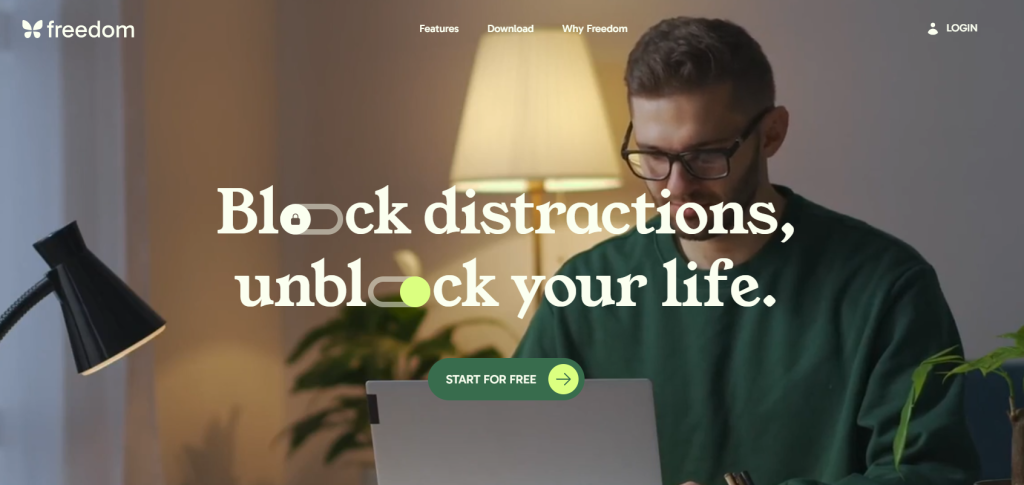
Freedom is a top choice for deep work sessions, especially for those who struggle with distractions. The Freedom mobile app is available on iOS and Android and syncs blocks across your phone, tablet, and desktop simultaneously, so blocking a site on your Mac automatically blocks it on your iPhone during the same session. This tool effectively blocks distracting websites and apps on all your devices, allowing you to focus without temptation.
Why It Works:
The key strength of Freedom lies in its ability to enforce complete digital disconnection during your designated focus hours. Eliminating access to time-wasting sites and apps, it creates an environment conducive to productivity.
Why It Fails:
However, like any tool, Freedom has its limitations. Without Locked Mode, which is a Premium feature, you can simply end a session early when willpower dips. And any device you haven’t added to Freedom stays open, so the block only works if every device you use is connected.
Best For:
Overall, Freedom is best suited for remote workers, students, and anyone looking to engage in deep work sessions. By offering a solution to digital distractions, it empowers individuals to make the most of their focused work time.
2. Forest – Best Gamified Focus App
What It Does:
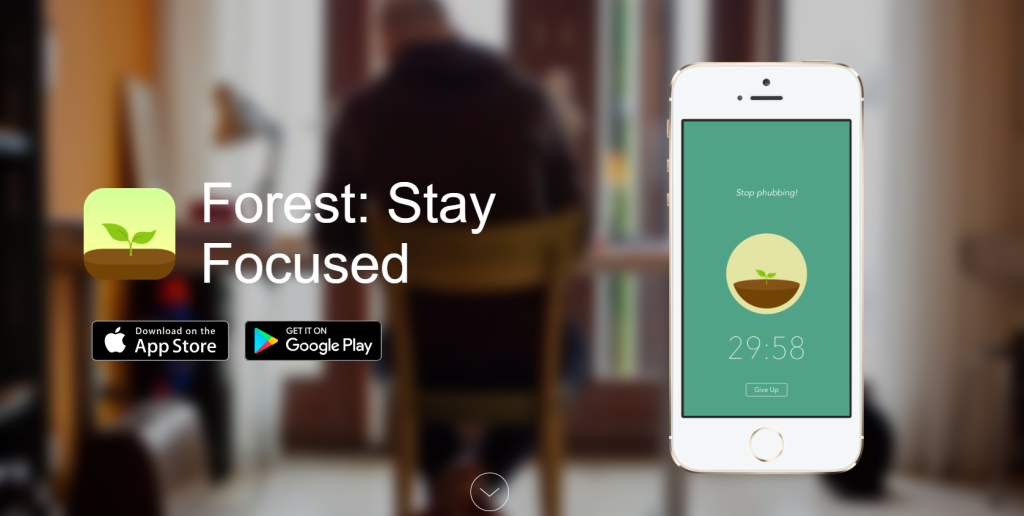
Forest is a gamified focus app that stands out as one of the best options for users looking to enhance their productivity in a fun and engaging way. The app effectively gamifies focus time by allowing users to grow a virtual tree as they concentrate on their tasks. This unique approach provides emotional motivation for users, as they strive to keep their virtual tree alive and flourishing.
Why It Works:
The key to Forest’s success lies in its ability to tap into users’ emotional attachment to the virtual tree. This sense of responsibility and care for the tree serves as a powerful motivator, encouraging users to stay focused and avoid distractions. The app effectively leverages this emotional connection to drive productivity and help users stay on track with their tasks.
Why It Fails:
However, like any focus app, Forest has its limitations. One of the main reasons why it may fail for some users is that it relies heavily on the individual’s discipline. If a user lacks the self-control to resist the temptation to override the app and indulge in distractions, the effectiveness of Forest diminishes. In such cases, the gamification aspect may lose its appeal, and users may not find the motivation to continue using the app.
Best For:
Forest is best suited for light users who need gentle motivation to stay focused. For individuals who respond well to positive reinforcement and enjoy gamified experiences, Forest can be a valuable tool in improving productivity. Its user-friendly interface and visually appealing design make it a popular choice among those looking for a fun and interactive way to boost their focus.
In conclusion, Forest offers a creative and engaging solution for users seeking to enhance their focus and productivity. By gamifying the focus experience and tapping into users’ emotional motivation, Forest effectively encourages users to stay on task and achieve their goals. While it may not be suitable for everyone, particularly those lacking discipline, Forest remains a popular choice for light users in need of gentle motivation.
3. Stay Focused – Strict App Blocker
What It Does:
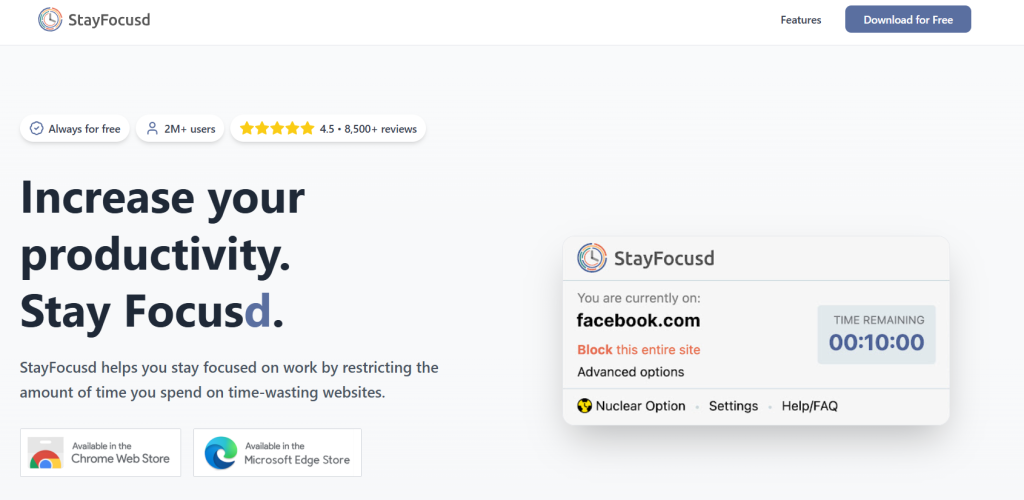
Stay Focused is a strict app and website blocker that started on Android and now has an iPhone version too. You can block apps on a schedule, after a daily time limit, or during a focus timer. Its Strict Mode is what sets it apart: you can lock your settings behind a PIN, an expiry date, a QR code or a string of random text, so undoing a block takes real effort.
Why It Works:
Stay Focused stands out for its highly customizable restrictions, giving users the flexibility to tailor their app usage limits according to their needs and preferences. This feature makes it a powerful tool for individuals looking to curb their screen time and reduce distractions.
Why It Fails:
However, despite its effectiveness, Stay Focused may not be suitable for everyone. Some users might find the app too restrictive, which can lead to frustration and ultimately result in them uninstalling it. Balancing control with usability is crucial to ensure that users find the app beneficial rather than burdensome.
Best For:
Overall, Stay Focused is best suited for heavy social media users who want to limit their time spent on these platforms. By setting strict app usage limits and blocking rules, users can take control of their screen time and focus on more important tasks, making Stay Focused a valuable tool for improving productivity and reducing distractions.
4. RescueTime – Best for Tracking + Insights
What It Does:
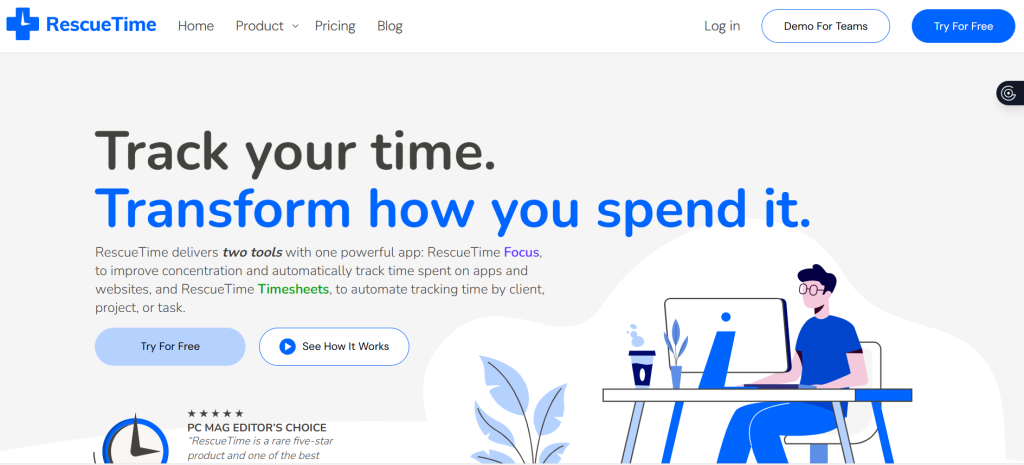
RescueTime is a powerful tool designed for professionals seeking to enhance their productivity by effectively managing screen time. This app automatically tracks the time spent on various apps and websites, providing valuable insights into one’s digital habits.
Why It Works:
The key strength of RescueTime lies in its data-driven approach, offering users a clear overview of how they allocate their time online. By analyzing these insights, individuals can identify patterns, prioritize tasks, and make informed decisions to optimize their workflow.
Why It Fails:
However, despite its effectiveness in boosting awareness, RescueTime may fall short when it comes to translating this awareness into tangible action. Simply being aware of time spent on different activities doesn’t always guarantee improved productivity unless users actively modify their behavior based on the insights provided.
Best For:
RescueTime is best suited for professionals who are committed to monitoring and enhancing their productivity levels. By utilizing RescueTime, users can set specific goals, track progress, and make necessary adjustments to achieve better time management and work-life balance.
In conclusion, RescueTime serves as a valuable tool for professionals looking to track their screen time and make informed decisions to enhance productivity. By leveraging data-driven insights, users can take proactive steps towards improving their efficiency and overall performance.
5. Apple Screen Time – Built-in iOS Control
What It Does:
Apple Screen Time is a built-in iOS control feature that offers native iPhone/iPad screen time monitoring and app limits. Being integrated into the operating system, it provides a seamless way for users to track and manage their device usage. This feature works effectively for parents and iOS users who want to keep a check on their screen time habits.
Why It Works:
The strength of Apple Screen Time lies in its deep integration within the iOS ecosystem, making it hard for users to ignore. By setting app limits and monitoring screen time, individuals can have better control over their device usage, promoting healthier digital habits.
Why It Fails:
However, despite its benefits, Apple Screen Time has its limitations. One of the main drawbacks is the possibility of passcode sharing or self-overriding, which can reduce its effectiveness. Users may find ways to bypass the set limits, diminishing the intended purpose of the feature.
Best For:
Apple Screen Time is the strongest built-in option for families. Parents can set individual app limits for each child’s device, restrict content by age rating, lock settings behind a passcode children can’t access, and monitor usage across every family member’s Apple device from a single parent account. For households where children use iPhones or iPads, this is usually the right starting point before considering any third-party app, it’s free, hard to circumvent without the parent passcode, and syncs automatically across the family’s Apple ID. While it provides a convenient way to track screen time, users should be aware of its limitations and take additional steps to ensure effective usage management.
6. Google Digital Wellbeing – Android Built-in Tool
What It Does:
Google Digital Wellbeing is a reliable Android built-in tool designed to help users track their device usage and set app timers easily. It comes pre-installed on most Android smartphones and requires no download, making it the lowest-friction starting point for anyone who wants to understand their phone usage before committing to a third-party app. It provides a simple interface and convenient access to settings, making it user-friendly for all.
Why It Works:
For those looking for a light touch on controlling their screen time, Digital Wellbeing is best suited for casual users. Although it may not offer the same level of blocking functionalities as some third-party options, its ease of use and integrated nature within the Android operating system make it a popular choice among users.
Why It Fails:
However, when compared to third-party tools, it falls short in terms of robust blocking features, which is one of its major drawbacks.
Best For:
When it comes to managing screen time, having tools like Google Digital Wellbeing can be a great starting point for individuals seeking to be more mindful of their device usage. By setting app timers and tracking usage patterns, users can gain valuable insights into their digital habits and make informed decisions about their screen time.
7. Cold Turkey – Hardcore Website Blocker
What It Does:
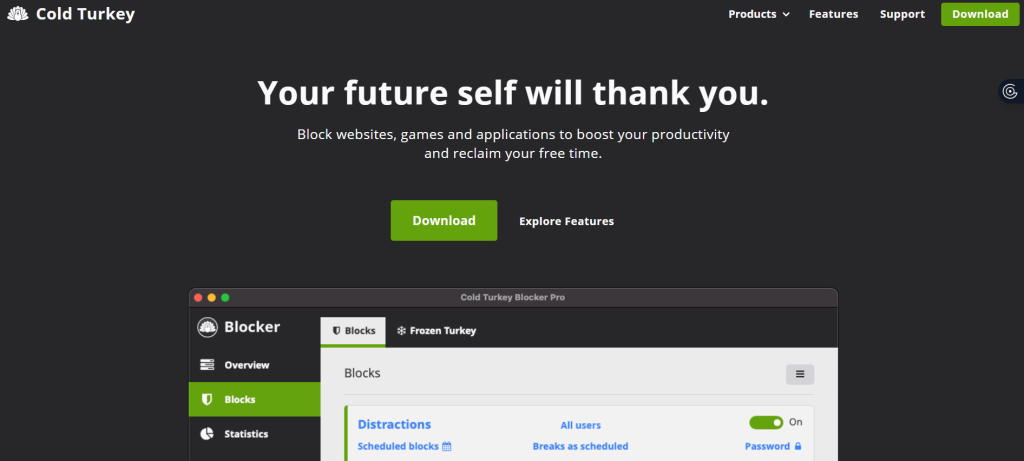
Cold Turkey – Hardcore Website Blocker is a powerful tool designed to limit screen time effectively. It blocks websites and apps without any option to disable them mid-session. The software’s strength lies in its extreme strictness, making it challenging to bypass for users trying to sneak in some extra screen time.
Why It Works:
For individuals who require a stringent solution to stay focused and avoid distractions, Cold Turkey is the perfect choice. It is best suited for people who need a no-nonsense approach to limit their screen time and enhance productivity.
Why It Fails:
While Cold Turkey is highly effective for maintaining a zero-distraction environment, its rigid approach may not be suitable for casual users. The software’s hardcore nature might prove too extreme for those looking for more flexibility in managing their screen time.
Best For:
In a world where digital distractions are rampant, tools like Cold Turkey play a crucial role in helping users take control of their screen time. By implementing strict measures to block websites and apps, Cold Turkey enables individuals to create a focused and productive work environment.
Unlike most mobile apps on this list, Cold Turkey is a desktop software utility, it installs at the system level on Mac and Windows, which is what makes it harder to bypass than a browser extension or a phone app that can simply be deleted. To set it up so you can’t switch it off mid-block, follow our Cold Turkey setup guide.
Conclusion
Each screen time limiter discussed in the post offers unique features and functionalities to cater to different needs. From app blockers to website filters, these tools aim to help individuals, especially parents, in controlling screen time effectively.
However, despite their benefits, screen time limiters may sometimes fail to address the root causes of excessive screen use. It is essential to combine these tools with open communication, setting boundaries, and encouraging alternative activities to create a holistic approach towards managing screen time.
This is especially true in family settings. For parents, the most effective screen time strategy combines a reliable limiting tool with honest conversations about why limits exist. Children who understand the reasoning behind restrictions tend to work with them rather than around them. Tools handle the structure; the conversation handles the buy-in.
In conclusion, while screen time limiters can be valuable tools in promoting healthy tech habits, they are most effective when used in conjunction with other strategies. By understanding their strengths and limitations, individuals can make informed decisions to find the right balance between screen time and real-world experiences.
Frequently Asked Questions
Yes, screen time limiters can be effective in helping individuals manage their screen time usage by setting restrictions and reminders.
Screen time limiters can help improve productivity, reduce eye strain, promote better sleep patterns, and encourage healthier screen time habits.
Screen time limiters function by allowing users to set specific time limits for app or device usage, blocking access once the limit is reached, and providing usage reports.
Some individuals may find it challenging to adhere to the set limits, experience frustration when access is restricted, or find workarounds to bypass the restrictions.
Screen time limiters may fail to work effectively due to technical glitches, lack of customization options, difficulty in setting up, not addressing individual needs, or being too rigid in restrictions.
When selecting a screen time limiter, consider factors such as compatibility with devices, customization options, user-friendly interface, tracking features, and the ability to adjust settings based on individual preferences.
On a computer, Cold Turkey with a locked block, which stops you from switching it off or uninstalling it until the time runs out. On a phone, Stay Focused in Strict Mode, or Apple Screen Time with a passcode someone else holds. Freedom’s Locked Mode is the strongest option that covers phone and computer together.